PH PROMPTHACKER.AI

Streamlining Knowledge: Custom GPTs for Internal Business Use

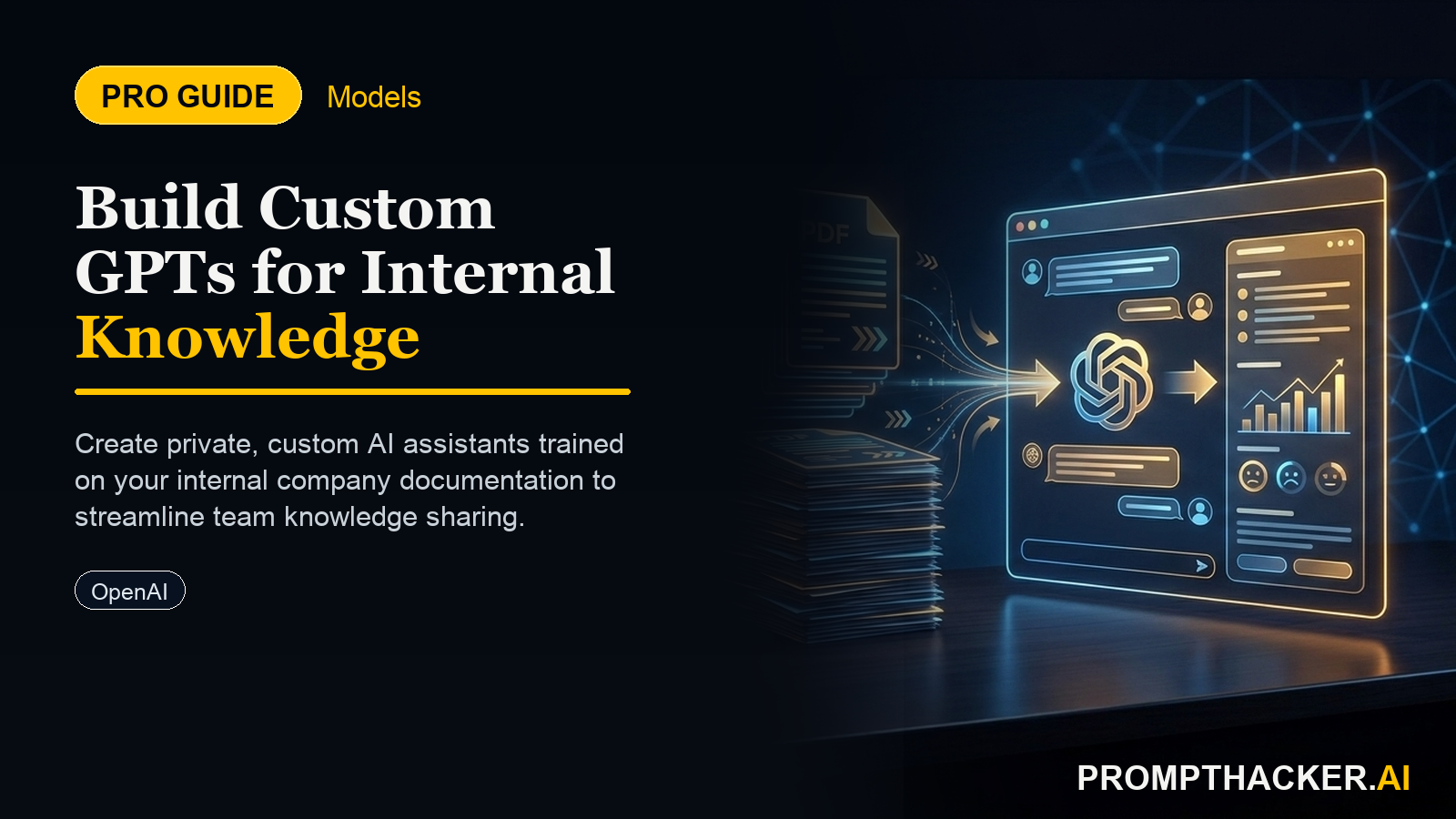
Businesses can create private, custom GPTs trained on internal documentation for organizational use.

November 5, 2025 8 min read
openai custom gpts internal knowledge bases
Quick Scan

What matters today

Businesses can create private, custom GPTs trained on internal documentation for organizational use.

Format TOP UPDATE
Audience Executives using AI at work
Time 8 min read
Topic OpenAI

Key points

  • The Hidden Cost of Fragmented Knowledge
  • Introducing Custom GPTs for Internal Knowledge Bases
  • Strategic Advantages for Executives
  • Implementing Your Internal Knowledge Base GPT: A Step-by-Step Guide
  • Real-World Scenario: Accelerating Sales Team Onboarding

What you will learn in this article:

  • How to configure private, custom GPTs within OpenAI Business to centralize internal knowledge.
  • How to reduce new hire ramp-up time by automating access to essential company information.
  • How to ensure consistent, accurate information dissemination across departments.
  • How to prepare and upload diverse internal documentation for AI training.
  • How to measure the efficiency gains and operational benefits of an internal knowledge base GPT.

A new operations director at a 200-person financial services firm faces a recurring challenge. Each quarter, 10 to 15 new hires join, requiring extensive training on proprietary financial products, internal compliance protocols, and client service procedures. Existing team leads spend 30% of their initial weeks answering repetitive questions, pulling them away from critical client work. New hires often feel overwhelmed by the sheer volume of documentation, much of which is scattered across SharePoint, internal wikis, and shared drives.

This fragmentation of knowledge leads to delayed productivity and increased training costs. Without a centralized, easily accessible source of truth, the firm risks inconsistent information being shared with clients, potential compliance errors, and a slower path to full employee contribution. The ripple effect impacts client satisfaction and overall departmental efficiency.

This article details how OpenAI Business now provides a solution: custom GPTs designed specifically for internal knowledge bases. Learn how to implement a private AI assistant trained on your company's unique documentation, drastically cutting onboarding time and ensuring every employee has instant, accurate access to critical information.

The Hidden Cost of Fragmented Knowledge

Many organizations operate with a wealth of internal knowledge, but this information often resides in disparate systems. Standard Operating Procedures (SOPs), HR policies, product specifications, sales playbooks, and IT troubleshooting guides are typically spread across various platforms. This fragmentation creates significant friction. New employees struggle to find answers, relying heavily on colleagues who then lose focus on their primary responsibilities. Senior staff spend valuable hours repeating information. This inefficient knowledge retrieval directly impacts productivity, slows down project execution, and can lead to inconsistent application of company policies.

Introducing Custom GPTs for Internal Knowledge Bases

OpenAI Business has introduced a feature enabling companies to create private, custom GPTs. These specialized AI models can be trained exclusively on an organization's internal documentation. Unlike public ChatGPT instances, these custom GPTs operate within a secure, company-specific environment. They provide instant, accurate answers derived solely from the provided knowledge base, eliminating the need for employees to sift through countless documents or interrupt colleagues. This capability fundamentally changes how internal knowledge is accessed and utilized, making it a strategic asset rather than a logistical burden.

Strategic Advantages for Executives

Implementing a custom GPT for your internal knowledge base offers several strategic benefits for executives focused on operational efficiency and employee productivity.

First, it significantly reduces new hire ramp-up time. Instead of weeks spent navigating complex document repositories, new employees can query the custom GPT for immediate answers to common questions about company policy, product details, or process steps. This accelerates their path to full productivity, allowing them to contribute meaningfully much sooner. For a department onboarding 50 new employees annually, reducing ramp-up time by even 10% can translate into hundreds of productive hours gained.

Second, it ensures consistent information dissemination. When an AI system provides answers based on a single, controlled knowledge base, the risk of misinformation or varied interpretations across different teams is minimized. This is particularly crucial for compliance, customer service, and product support functions, where accuracy is paramount.

Third, it frees up valuable time for experienced staff. Instead of answering repetitive queries, senior employees can focus on strategic initiatives, complex problem-solving, and mentoring for higher-level skill development. This optimizes resource allocation and improves job satisfaction for skilled personnel.

Fourth, it acts as a scalable, always-on resource. The custom GPT is available 24/7, across time zones, providing instant access to information whenever an employee needs it. This scales knowledge delivery without requiring additional human resources, supporting global teams and flexible work arrangements.

Implementing Your Internal Knowledge Base GPT: A Step-by-Step Guide

Creating and deploying an effective custom GPT for your internal knowledge base involves a structured approach. This ensures the AI is accurate, secure, and genuinely helpful.

  • 1. Define Your Scope and Data Sources Before uploading any data, define the specific knowledge domain your custom GPT will cover. Will it focus on HR policies, IT support, sales enablement, or a combination? A clear scope prevents the GPT from becoming too broad and ensures its answers remain relevant and focused. Identify all relevant data sources. These might include: Company policy manuals (PDFs, Word documents)
  • Frequently Asked Questions (FAQs) documents
  • Internal wikis or Confluence pages
  • Product specifications and user guides
  • Onboarding checklists and guides
  • Internal training materials

Consider the sensitivity of the information. While OpenAI Business environments are private, avoid including highly sensitive personal identifiable information (PII) or confidential client data that is not intended for general employee access. A phased approach, starting with less sensitive, high-volume information, is often prudent.

  • 2. Curate and Prepare Your Documentation The quality of your custom GPT's output directly depends on the quality of its training data. This step is critical. Consolidate and Clean: Gather all identified documents into a central repository. Remove outdated information, duplicate files, and irrelevant content. Ensure consistent terminology and formatting where possible. Inconsistent data can lead to confusing or contradictory AI responses.
  • Structure for Clarity: While GPTs can process various formats, well-structured documents (e.g., clear headings, bullet points, concise paragraphs) generally yield better results. Convert complex tables or diagrams into text summaries if their visual nature is not critical for understanding.
  • Supported Formats: OpenAI Business typically supports common document types like PDF, DOCX, TXT, and CSV. Ensure your files are in these compatible formats. Large files may need to be broken down into smaller, more manageable chunks to optimize processing and retrieval speed. A single document exceeding 100 pages might benefit from being split into topical sections.
  • Address Ambiguity: Review documents for ambiguous statements or jargon that might confuse the AI or lead to incorrect interpretations. Clarify these points before upload.
  • 3. Configure Your Custom GPT in OpenAI Business This is the core of creating your internal knowledge assistant. Access the custom GPT creation interface within your OpenAI Business account. Name and Instructions: Give your GPT a clear, descriptive name (e.g., "HR Policy Assistant," "IT Support Bot"). Provide precise instructions for its behavior. This is where you define its "personality" and rules.
  • Upload Knowledge Base: Use the "Knowledge" section to upload your curated documents. You can upload multiple files. The system will process these documents and embed their content for the GPT to reference. Monitor the upload process for any errors.
  • Capabilities: Configure any additional capabilities the GPT might need, such as web browsing (though typically disabled for internal knowledge bases to prevent external information leakage) or code interpretation (unlikely for this use case). Keep capabilities focused on its primary function.
  • Conversation Starters: Pre-define a few conversation starters (e.g., "What is the company's vacation policy?", "How do I submit an IT support ticket?", "Where can I find the latest sales playbook?") to guide users and demonstrate the GPT's capabilities.

EXAMPLE INSTRUCTION

"You are the 'Internal Knowledge Navigator' for [Company Name]. Your primary role is to provide accurate, concise answers to employee questions based solely on the documents provided in your knowledge base. If a question cannot be answered directly from the provided documents, state that the information is not available and direct the user to contact the relevant department (e.g., HR, IT Support) for further assistance. Do not invent information or speculate."

  • 4. Refine and Test Your Internal GPT After initial configuration, rigorous testing is essential. This is an iterative process. Simulate User Queries: Ask the GPT a wide range of questions that employees would typically ask. Test both common and obscure queries.
  • Evaluate Accuracy: Verify that the answers provided are correct and directly supported by your uploaded documents. Note any instances where the GPT provides incorrect information (hallucinations) or cannot find an answer that should be present.
  • Assess Conciseness and Clarity: Are the answers easy to understand? Is the language appropriate for your company culture?
  • Identify Gaps: If the GPT frequently states "information not available" for questions it should answer, it indicates a gap in your uploaded knowledge base. Add the missing documents or update existing ones.
  • Feedback Loop: Involve a small group of pilot users from different departments. Collect their feedback on the GPT's performance, usability, and areas for improvement. Use this feedback to refine instructions and add more relevant documentation.
  • 5. Deploy and Integrate for Team Access Once the GPT is refined and tested, it is ready for broader deployment. Share within OpenAI Business: Share the custom GPT with the relevant groups or your entire organization within the OpenAI Business environment. Ensure proper access controls are in place.
  • Communication: Announce the new internal knowledge base GPT to employees. Explain its purpose, how to access it, and how it can benefit them. Provide clear guidelines on its intended use and limitations.
  • Training: Offer brief training sessions or create a quick guide on how to interact effectively with the GPT, including how to phrase questions for optimal results.
  • Security Considerations: Reiterate that the custom GPT operates within your private OpenAI Business workspace, and all data remains internal. This builds trust and encourages adoption.

Real-World Scenario: Accelerating Sales Team Onboarding

Consider a national sales organization with 500 representatives across multiple regions. New sales hires previously spent their first month in an intensive training program, followed by several weeks of shadowing and independent research to learn product specifics, CRM procedures, and regional sales strategies. This process often took 8-10 weeks before a new rep could confidently manage their own pipeline.

The Head of Sales decided to implement a custom GPT, named "Sales Navigator AI," trained on:

  • All product data sheets and FAQs
  • CRM user manuals and best practices
  • Sales playbooks for different market segments
  • Competitive analysis documents
  • Company-wide sales policies and commission structures

New hires now spend their initial training week learning the basics, then immediately gain access to Sales Navigator AI. When a new rep encounters a question about a specific product feature, a CRM workflow, or a regional sales incentive, they ask the GPT. Instead of waiting for a manager or senior colleague, they receive an instant, accurate answer pulled directly from the official documentation. This has reduced the average ramp-up time for new sales representatives by 2.5 weeks, leading to earlier quota attainment and a measurable increase in first-quarter sales productivity across the team. Senior sales managers now dedicate more time to coaching advanced sales techniques rather than answering routine questions.

Bottom line

The useful move with Streamlining Knowledge: Custom GPTs for Internal Business Use is to run one narrow test this week, then keep only the workflow that saves time, improves a decision, or gives your team clearer output. Treat the announcement as raw material, not the win itself.

About the author

Pierre Bradshaw Founder, PromptHacker.ai

Pierre has spent 25+ years building growth systems across fintech, real estate, lending, campaigns, and AI workflows, with machine-learning work dating back to 2012.

If you have any questions or comments about Streamlining Knowledge: Custom GPTs for Internal Business Use feel free to reach out. I'd love to hear from you.

Contact Pierre
Free weekly briefing

Three deep dives. Four useful moves. One email worth opening.

PromptHacker turns the AI firehose into practical next steps for work, health, family, and everything time keeps trying to steal.