Perplexity Health Launches: How to Connect Your Apple Watch and Get Data-Grounded Wellness Analysis
What Perplexity Health does differently from other health apps and why the Apple Health integration matters
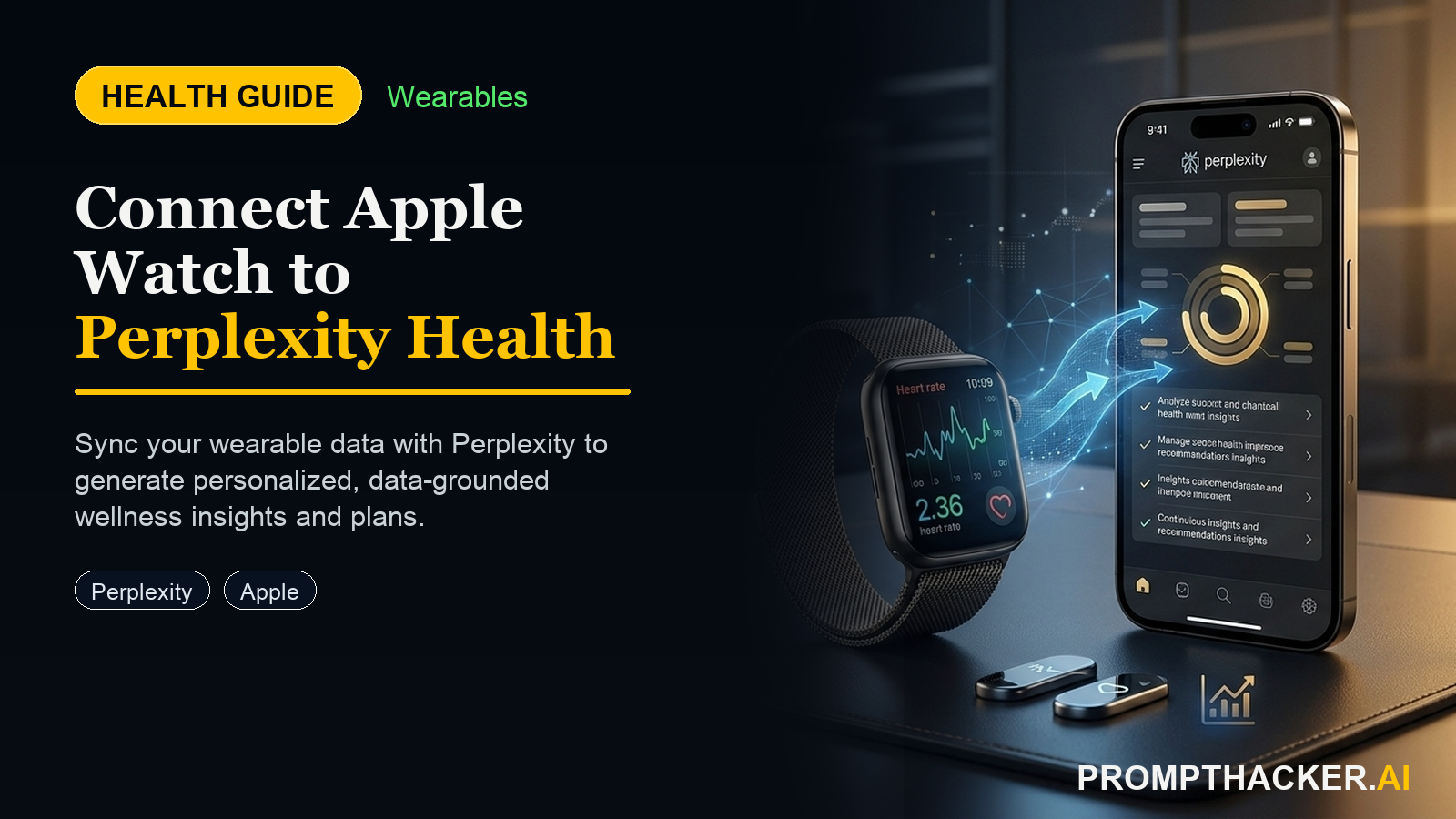
What matters today
What Perplexity Health does differently from other health apps and why the Apple Health integration matters
Article roadmap
What you will learn
-
What Perplexity Health does differently from other health apps and why the Apple Health integration matters
-
Full setup instructions for connecting Apple Watch, Fitbit, and medical record providers to Perplexity
-
Four verbatim prompts that extract meaningful, actionable insights from your actual health data
-
Which data sources to connect first for the highest signal-to-noise wellness analysis
-
The privacy model: what Perplexity does and does not do with your health data
The Apple Watch generates a substantial stream of health data every day -- heart rate, HRV, sleep stages, steps, respiratory rate, blood oxygen. Most people look at these numbers occasionally in the Health app, notice a trend, and forget about it by the next morning. The data exists; the analytical framework to act on it does not.
Perplexity Health, launched March 19, 2026, changes that. For the first time, a consumer AI platform can answer health questions grounded in the user's actual biometric data -- not generic population statistics. Connect it to Apple Health and Perplexity reads your 14-day HRV trend, your sleep stage distribution, your activity load, and your resting heart rate trajectory before generating any recommendation. When it tells you to prioritize recovery this week, it is looking at your specific numbers from your specific Apple Watch, not a wellness article about average people.
This article covers the full setup and the exact prompts to use each week.
What Perplexity Health Is
Perplexity Health is a suite of data connectors that lets Perplexity answer health questions using the user's own data as the primary source, cross-referenced against Perplexity's medical literature index (clinical guidelines and peer-reviewed journals).
It launched March 19, 2026, and is available to Perplexity Pro ($20/month) and Max subscribers in the United States.
What it connects to:
- Apple Health (including all Apple Watch metrics)
- Fitbit
- Ultrahuman
- Withings
- Clue
- Electronic health records from over 1.7 million care providers via FHIR connector
What it does with the data:
When you ask a health question, Perplexity Health retrieves the relevant data from your connected sources (for the relevant time period), combines it with current medical literature, and generates a grounded, specific answer. The answer references your actual numbers, not generic guidance.
Privacy model:
- Health data is encrypted in transit and at rest
- Data is not used to train AI models
- Data is not sold to third parties
- Users can delete all health data at any time from Perplexity Settings > Health Connections
Key Insight
Perplexity established a Health Advisory Board of physicians, researchers, and health tech experts who review product decisions, content quality, and clinical safeguard protocols against evidence-based medicine standards. For a consumer AI product, this is a meaningful commitment: the clinical guidance layer has human expert review, not just model outputs.
How to Set Up Perplexity Health on iPhone
Step 1: Subscribe to Perplexity Pro or Max Perplexity Health requires a Pro ($20/month) or Max subscription. If you are on the free plan, upgrade at perplexity.ai/pro before continuing.
Step 2: Install Perplexity on iPhone If you do not already have the Perplexity app on your iPhone, download it from the App Store. Sign in with your Perplexity account.
Step 3: Connect Apple Health
- Open the Perplexity app on iPhone
- Tap your profile icon (bottom right) to open Settings
- Scroll to "Health Connections" and tap it
- Tap "Connect Apple Health"
- iOS will present the Apple Health permission dialog -- grant read access for the following: Heart Rate, Heart Rate Variability (HRV), Sleep Analysis, Steps, Active Energy Burned, Respiratory Rate, Resting Heart Rate, and Blood Oxygen (if your Apple Watch model measures it)
Grant all eight permissions. You can revoke any of them later in Settings > Privacy & Security > Health on your iPhone.
Step 4 (Optional): Connect Medical Records
If you want Perplexity Health to access your electronic health records:
- In Perplexity Settings > Health Connections, tap "Connect Medical Records"
- Search for your primary care provider or health system
- Authorize access using the FHIR connector -- this follows the same flow as connecting to other health apps like Apple Health Records
- Once connected, Perplexity can reference your lab results, visit notes, and diagnoses when answering health questions
Medical records access is optional. Apple Health connectivity alone provides the biometric data needed for the weekly recovery analysis use case described in this article.
Four Prompts That Extract Real Value from Your Health Data
Prompt 1: Weekly Recovery Analysis (Use Every Monday)
THE PROMPT
"Using my Apple Health data from the last 14 days: summarize my sleep duration trend, HRV average and variance, step count average, and any notable changes. Based on these trends and peer-reviewed guidance, suggest 2 specific, practical adjustments I can make this week to improve recovery. Keep recommendations specific and achievable -- no generic advice."
What to expect: Perplexity will retrieve your 14-day Apple Watch data, calculate the relevant averages and trends, and generate 2 specific adjustments -- for example, "Your HRV dropped 18% in the 3 days following your 11 PM+ bedtimes; shifting sleep onset by 45 minutes earlier should restore it within 5-7 days based on sleep timing research."
Prompt 2: Sleep Quality Deep Dive (Use After a Bad Week)
THE PROMPT
"Analyze my sleep data from the last 21 days. What is my average total sleep duration, deep sleep percentage, and REM sleep percentage? On which nights was sleep quality significantly below my average? What environmental or behavioral patterns in my data for those nights might explain the drops? What does current sleep science recommend for improving deep sleep and REM specifically?"
What to expect: A breakdown of your sleep architecture over 3 weeks, with night-by-night anomalies flagged and specific correlations your data suggests (for example, nights following high active energy output, nights with late resting heart rate elevation).
Prompt 3: Activity Load and Injury Risk Assessment (Use Before a Demanding Week)
THE PROMPT
"Using my Apple Health data from the last 30 days: calculate my average daily active energy expenditure and step count. In the last 7 days, did my activity level increase significantly versus my 30-day baseline? Based on this load trend and sports medicine guidelines, is there any reason to be cautious about a high-activity week ahead, and if so, what specific adjustments -- rest, intensity, timing -- should I consider?"
What to expect: A load analysis comparing your current week to your rolling 30-day baseline, with a specific flag if activity spiked more than 20-30% (a common injury risk threshold in the literature). Recommendations will reference your actual numbers, not population averages.
Prompt 4: Lab Trend Analysis (Use When Medical Records Are Connected)
THE PROMPT
"Using my connected medical records: what are my most recent values for [specific markers -- e.g., HbA1c, LDL, ferritin, vitamin D]? How do these compare to my values from 6 and 12 months ago? Are any values trending in a direction I should discuss with my doctor? Use current clinical guidelines to explain what each trend means in plain language."
What to expect: A trend analysis of your lab markers over time, written for a non-clinician, with specific flags for any values trending outside optimal ranges and a plain-language explanation of what each marker measures.
What Perplexity Health Cannot Do
Being clear about the limitations matters.
It does not diagnose. Perplexity Health explicitly does not provide diagnoses. Its purpose is to help you understand your data, surface patterns, and prepare better questions for your healthcare providers.
It cannot replace a clinical relationship. The HRV trend analysis and sleep recommendations it provides are genuinely useful for daily optimization, but any significant health concern -- persistent abnormal values, symptoms, or changes in chronic condition markers -- requires a physician's judgment.
Medical records are not complete. FHIR access gives Perplexity Health what your provider's system has shared via FHIR. Not all providers share all record types via FHIR, and some records (imaging, pathology) may not appear depending on your system.
US-only at launch. The full Apple Health + medical records feature set is available to US Perplexity Pro and Max subscribers at launch. International availability has not been announced.
Action Steps
1. Subscribe to Perplexity Pro or Max. The $20/month Pro tier is sufficient for the full Perplexity Health feature set, including Apple Health connectivity and medical record access.
2. Connect Apple Health with all eight permissions. In Perplexity on iPhone, go to Settings > Health Connections > Connect Apple Health. Grant all eight biometric permissions for the most complete weekly analysis.
3. Optionally connect your medical records. Search for your provider in the FHIR connector and authorize access if you want lab trend analysis in addition to biometric data.
4. Run the Weekly Recovery Analysis prompt every Monday morning. Paste Prompt 1 into Perplexity and read the output before reviewing your schedule for the week. The 14-day analysis takes about 20 seconds to generate.
5. Use Prompt 3 before any high-activity week. Before a conference trip, a demanding travel schedule, or a training block, run the load assessment prompt. It takes 30 seconds and gives you a data-grounded reason to either push forward or add a recovery day.
Medical disclaimer: This article is for informational purposes only and does not constitute medical advice. Perplexity Health is a wellness tool, not a diagnostic or clinical service. Always consult a qualified healthcare provider before making changes based on health data or wellness analysis.
Three deep dives. Four useful moves. One email worth opening.
PromptHacker turns the AI firehose into practical next steps for work, health, family, and everything time keeps trying to steal.