Run Your Monday Numbers Review in Perplexity on Windows Without Touching a Formula
Every executive has a Monday ritual that involves opening the same spreadsheet, scanning for what changed, and mentally noting the two or three numbers that need attention. It is not hard work.
What matters today
Every executive has a Monday ritual that involves opening the same spreadsheet, scanning for what changed, and mentally noting the two or three numbers that need attention. It is not hard work.
Article roadmap
What you will learn
-
What Perplexity's Windows agent can reach on your machine
-
The reusable instruction that runs your weekly review
-
Why this beats building another dashboard
-
The privacy routing coming in July and why it matters
-
How to keep the output trustworthy
Every executive has a Monday ritual that involves opening the same spreadsheet, scanning for what changed, and mentally noting the two or three numbers that need attention. It is not hard work. It is just friction, repeated fifty-two times a year, and it is exactly the kind of thing that should be a thirty-second answer rather than a ten-minute scan.
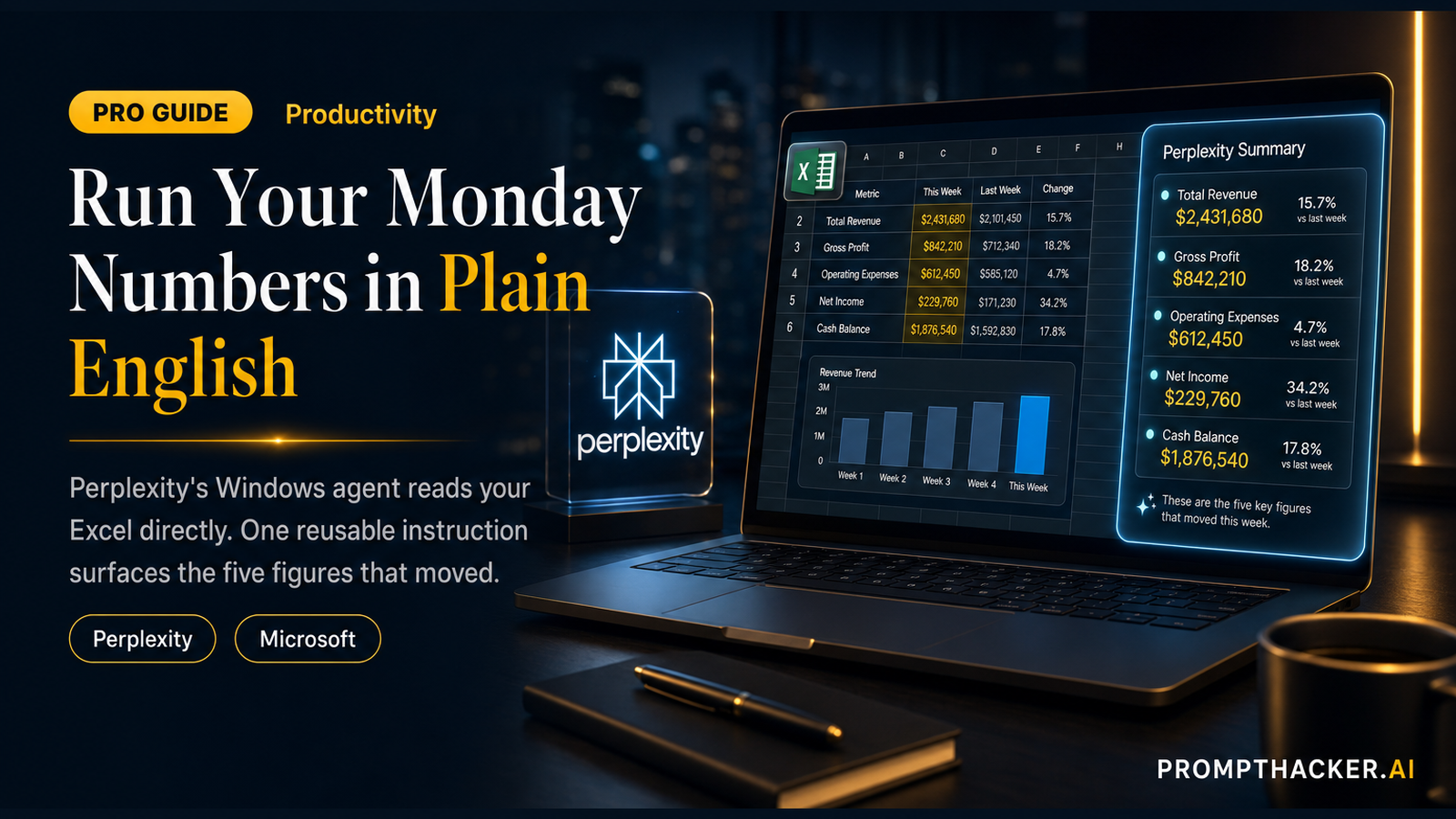
As of June 3, it can be. Perplexity's Personal Computer agent reached Windows, and it connects to the Microsoft Office apps, Word, Excel, PowerPoint, and Outlook, plus the files on your machine. That means you can point it at your weekly numbers workbook and ask, in plain English, what moved. No formulas, no pivot tables, no new dashboard to maintain.
The gem is the reusable instruction below. Save it once, run it every Monday, and the scan becomes a summary you read instead of a chore you do.
This is a PromptHacker Premium deep dive.
The reusable instruction, the setup steps, and the trust checks are below.
What the Windows Agent Can Reach
The Personal Computer agent runs on your machine and connects to the Office apps and local files, so it works with the documents you already have rather than asking you to upload anything to a separate tool. For a weekly review, the relevant connection is Excel: the agent opens your workbook, reads the current numbers, and can compare them against a prior period you point it to.
The Reusable Monday Instruction
Open my weekly metrics workbook [name the file]. Compare this week's column to last week's. Then give me: 1. The five numbers that moved the most, each with the old value, the new value, and the percent change. 2. One sentence on what likely drove the single biggest move. 3. Any figure that looks wrong or out of range, flagged as a data-quality check, not a conclusion. 4. One short chart of the metric that moved most. Keep it to one screen. Show your math for the percent changes so I can verify.
Name your actual file, and if your "prior period" lives in a separate sheet or tab, say so. The "show your math" line is doing quiet but important work: it lets you confirm a percent change at a glance instead of trusting it.
Why This Beats Another Dashboard
Dashboards answer the questions you anticipated when you built them. They go stale, they need maintenance, and they rarely tell you the one weird thing that happened this week. A plain-language review over your live workbook adapts every time you run it. When your business changes, you change the instruction in one sentence rather than rebuilding a report.
Time math: a ten-minute weekly scan becomes a one-minute read. Across a year, that is roughly eight hours back, and you catch the anomalies you used to skim past.
The Privacy Routing Coming in July
Perplexity also announced, with Intel, a hybrid system launching in July that decides automatically whether a task runs on a small on-device model or in the cloud. Sensitive data, financial records, anything personal, is processed locally, while heavier work goes to the cloud. For a weekly numbers review that touches private figures, that is the feature to watch: it means the privacy decision is handled for you rather than left to your judgment each time.
Keep the Output Trustworthy
An agent reading a live workbook is powerful, which means a wrong read is also powerful. Two habits keep it honest: insist it shows the math on any calculation, and treat its "this looks wrong" flags as prompts to check the source cell yourself, not as facts. The agent is good at finding the anomaly; you decide what it means.
Action Steps Summary
- Install Perplexity's Personal Computer on Windows. Connect it to your Office apps.
- Point it at your weekly workbook. Name the file and the prior-period sheet.
- Paste the reusable instruction. Save it so Monday is one click.
- Verify the math. Confirm the biggest percent change before you act on it.
- Watch for the July privacy routing. It handles on-device processing of sensitive figures for you.
Three deep dives. Four useful moves. One email worth opening.
PromptHacker turns the AI firehose into practical next steps for work, health, family, and everything time keeps trying to steal.