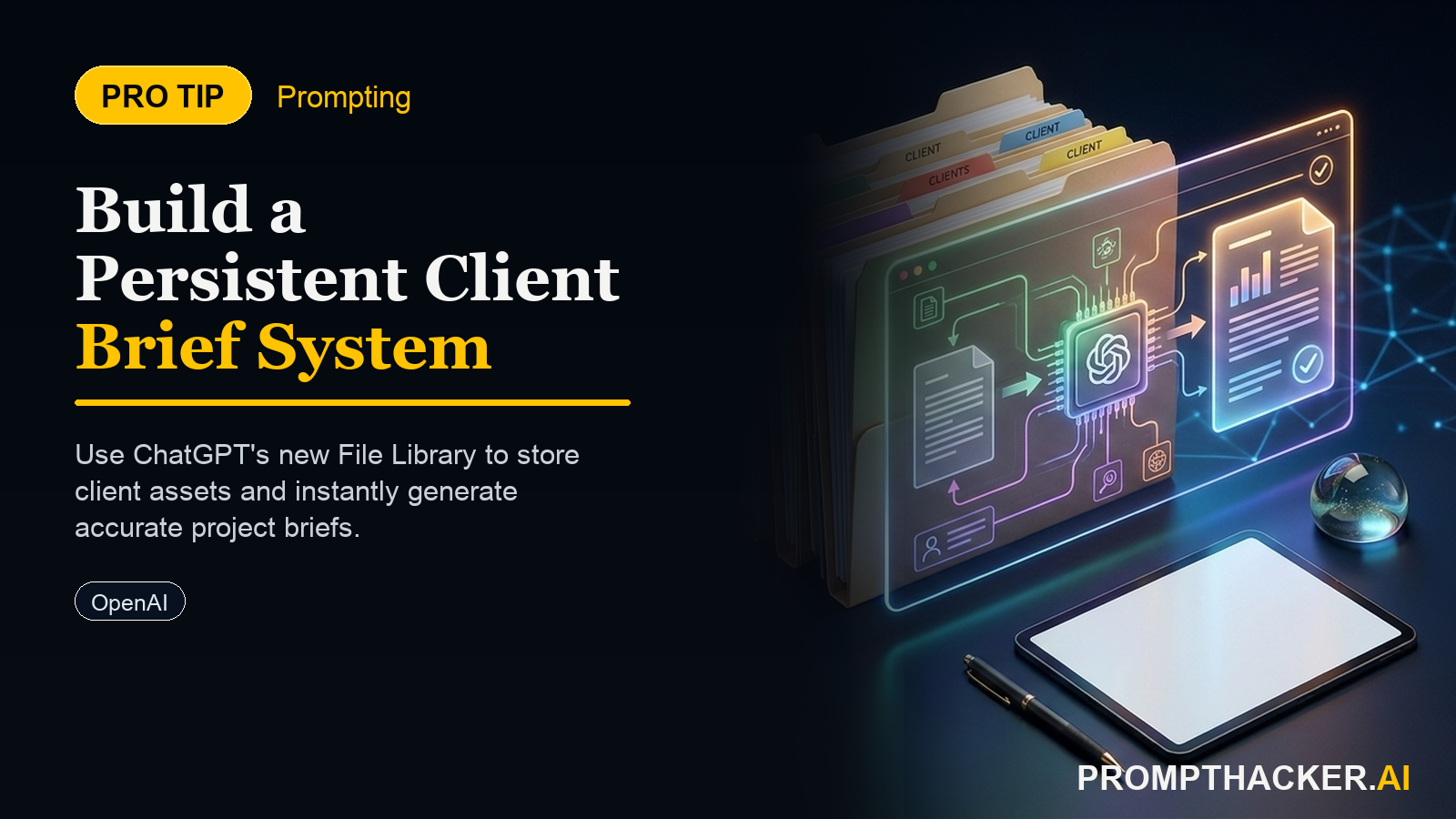
Build a persistent client brief system using ChatGPT File Library
Stop re-uploading the same documents every session, here's the 30-minute setup that saves 20 to 35 minutes per client engagement.
What matters today
Stop re-uploading the same documents every session, here's the 30-minute setup that saves 20 to 35 minutes per client engagement.
Stop re-uploading the same documents every session, here's the 30-minute setup that saves 20 to 35 minutes per client engagement.
Article roadmap
What you will learn
-
How to structure a searchable document library that saves 20-35 minutes per client engagement
-
The three documents every client folder needs (and why those three)
-
A verbatim prompt that reads across your file library and generates on-brand deliverables
-
How to maintain your library with a monthly update routine
-
Real workflow: upload once, reuse across 20+ client sessions
If you work with clients, you know the pattern: new project, new brief, same style guide, same template, same internal documentation. You upload them again. And again. By week three with a client, you're losing 30 minutes per session to file management instead of creative work.
ChatGPT's File Library solves this completely. Not a plugin, not a workaround, a native feature that lets you build a persistent reference library that ChatGPT searches automatically. Once you set it up (30 minutes for three files per client), every session starts faster.
Here's the system: structure, naming, retrieval, and a prompt that does the heavy lifting.
Step 1: Build Your Library Foundation
Start with three documents per client. This is the minimum that covers the full scope:
- Client Style Guide or Brand Guide. One document, 5-15 pages. This answers the question: what's their voice? Color palette? Logo usage? Font choices? Tone examples? When ChatGPT reads your deliverable back against this, it catches brand drift instantly. Non-negotiable.
- Last Two Completed Deliverables. Examples from real work. A past proposal, email campaign, case study, deck, whatever you delivered last. ChatGPT learns your format, depth, and structure from these examples. Quality reference beats any prompt instruction.
- Your Internal Brief Template. This is your internal form: client objectives, audience, channel, success metric, constraints, tone preferences. Same structure every project. This teaches ChatGPT which questions to ask and which details matter.
Why these three? They answer three questions: (1) How do they want to sound? (2) What does good work look like? (3) What are we actually solving for? File Library makes these three always available.
Step 2: Use Descriptive File Names
File Library search works on file names and content. A file named "brand.pdf" is useless. A file named "Acme-Corp-Brand-Guide-2026.pdf" is searchable.
Format: [Client Name]-[Document Type]-[Year].pdf
Examples: "Acme-Corp-Style-Guide-2026.pdf", "Acme-Corp-Email-Campaign-Feb2026.pdf", "Internal-Client-Brief-Template.pdf"
Step 3: Start Every Session with a 3-File Pull
Once your Library is populated, every new client conversation starts the same way: open ChatGPT, start a new chat, search your Library for "[Client Name]". Your three files appear. Load them. Total time: 45 seconds once you've done it once.
This replaces the old workflow: find three files in your folder structure, download them, upload them to ChatGPT, wait for processing. Now: search, click, done.
Step 4: Use the Verbatim Prompt
Copy this prompt exactly. Paste it into ChatGPT after loading your three files:
You are acting as a senior account manager for [Company Name]. I've attached three files: our standard client brief template, the client's most recent deliverable, and our company style guide. Using these as your only reference materials, draft a [deliverable type] for [Client Name] that matches the voice of our past work and addresses this specific objective: [state the objective in one sentence]. Keep the output under [word count]. Flag any gaps where you need additional client context before finalizing.
Fill in the bracketed sections: [Company Name] (your firm), [deliverable type] (proposal, case study, email, etc.), [Client Name], [objective in one sentence], [word count]. ChatGPT reads all three files, synthesizes them, and produces on-brand work in a single pass.
Step 5: Update Library Monthly
Once per month, refresh your client folders. Delete the old deliverable versions. Upload the most recent completed work. This keeps your examples current and your Library lean.
Why monthly? Style guides change once a year. Internal templates rarely change. But deliverables evolve. By keeping recent examples in your Library, ChatGPT always learns from your latest, best work.
Action Steps
- Gather your three core documents. Brand guide (or style guide), two recent deliverables, internal brief template. 10 minutes.
- Rename with the format [Client]-[Type]-[Year]. Consistency in naming makes search reliable. 5 minutes.
- Upload to ChatGPT File Library. Open ChatGPT, use the File Library feature (menu > My Library or upload directly in new chat). Load all three for the first test. 10 minutes.
- Test the prompt. Paste the verbatim prompt above, fill in your details, run it. Does ChatGPT pull from all three files? Does the output match your brand? If yes, you're done with setup. If no, refine the brief or the documents themselves. 5 minutes.
- Document your Library structure. Keep a simple list: which files you have per client, last update date, next refresh due. One note document, shared with your team if you have one. Repeat the process for each new client.
Ready to stop re-uploading?
Build your persistent client library in the next 30 minutes. Get PromptHacker Premium for exclusive workflows, templates, and weekly content strategies.
Three deep dives. Four useful moves. One email worth opening.
PromptHacker turns the AI firehose into practical next steps for work, health, family, and everything time keeps trying to steal.