Prepare for High-Stakes Meetings with AI-Generated Briefings
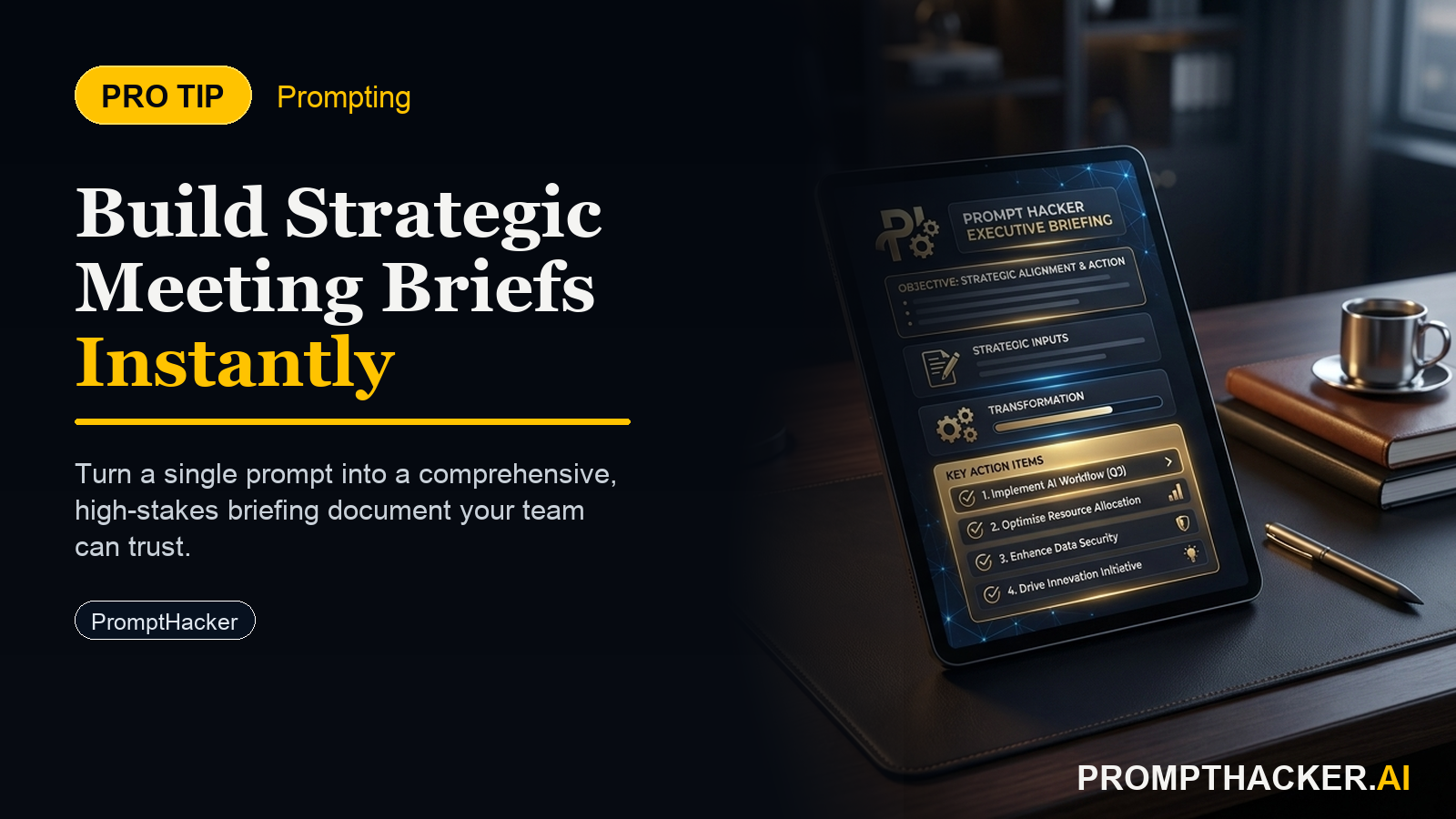
Distill complex documents into concise executive briefs, ensuring full preparation for every strategic meeting.
What matters today
Distill complex documents into concise executive briefs, ensuring full preparation for every strategic meeting.
Key points
- Automating Your Strategic Briefings
- The Strategic Meeting Briefing Prompt
- Step-by-Step Implementation
- Deeper Dive into Briefing Components
- Real-World Application: Board Meeting Preparation
What you will learn in this article:
- How to consolidate extensive reports into actionable pre-meeting summaries.
- How to identify critical decisions and discussion points before a strategic session begins.
- How to leverage AI to save significant time in preparing for executive meetings.
- How to refine AI-generated briefs to match specific stakeholder needs and meeting objectives.
A CEO of a mid-sized financial technology firm faces a recurring challenge: preparing for weekly investor relations meetings. Each meeting requires reviewing dozens of pages of quarterly reports, market analyses, and internal performance metrics. Manually extracting the core objectives, potential discussion points, critical decisions, and next steps from this volume of information consumes hours of valuable time. This intensive preparation often extends into evenings, diverting focus from other strategic imperatives.
Without a streamlined approach, executives risk entering crucial meetings underprepared, potentially overlooking key details or failing to articulate their positions clearly. This can lead to suboptimal decision-making, missed opportunities, and a perceived lack of readiness that erodes stakeholder confidence. The stakes are high: every strategic meeting influences the company's trajectory, and inefficient preparation directly impacts the quality of those outcomes.
This article details a proven AI-powered method to transform your pre-meeting routine. You will discover how to generate comprehensive, bullet-point briefings from any set of documents, allowing you to walk into every strategic discussion fully informed and ready to lead.
Automating Your Strategic Briefings
Preparing for high-stakes meetings is a critical executive function. The volume of information requiring review often outpaces available time, leading to rushed preparation or a reliance on junior staff to synthesize complex data. This Pro Tip introduces a direct, AI-powered solution that distills extensive documents into focused, actionable executive briefs. This process saves significant time and ensures consistent, thorough preparation for every strategic interaction.
Time to value: 5 minutes
The core of this strategy lies in using advanced AI models like ChatGPT-4o, Claude 3 Opus, or Gemini Advanced to act as your expert executive assistant. These tools can rapidly process and summarize information, extracting the most pertinent details required for a strategic discussion. The key is providing a precise prompt that guides the AI to deliver exactly what an executive needs: a concise, bullet-point summary tailored for immediate use.
The Strategic Meeting Briefing Prompt
The following prompt is designed to be directly copied and pasted into your chosen AI tool. It sets the context, specifies the required output format, and outlines the critical information points an executive requires before a meeting.
Verbatim Prompt:
"You are an executive assistant. I am preparing for a strategic meeting with [Stakeholder Name] regarding [Project/Topic]. Here are the key documents: [Paste document text or links]. Draft a concise, bullet-point briefing for me, highlighting: 1. Key objectives of the meeting, 2. Potential discussion points, 3. Any critical decisions needed, 4. Recommended next steps. Keep it under 300 words."
Step-by-Step Implementation
- Step 1: Identify Your Meeting Context and Stakeholders Before interacting with the AI, clearly define the meeting's purpose and the key individuals involved. This clarity is essential for customizing the prompt. For example, a meeting with the Head of Product about a new feature launch will require a different focus than a meeting with the Board of Directors about quarterly earnings. Why this matters: The prompt's effectiveness hinges on the specific context you provide. Naming the stakeholder and project/topic helps the AI filter information through a relevant lens, ensuring the briefing is tailored to that specific interaction. A generic briefing is less useful than one that anticipates the specific concerns or interests of the attendee.
- Step 2: Gather and Prepare Your Source Documents Collect all relevant documents that inform your meeting. This might include internal reports, external market analyses, competitor intelligence, financial statements, or project updates. For optimal results, consolidate these into a single text block or provide direct links if your AI model supports web browsing or document uploads. Why this matters: The quality of the AI's output directly correlates with the quality and completeness of your input. Providing comprehensive, well-organized source material enables the AI to draw from a robust knowledge base. If documents are too large for direct pasting, summarize them into key points or upload them if the AI platform allows. For highly confidential documents, consider redacting sensitive information or extracting only non-sensitive summaries for AI processing. Edge Case: Handling Extremely Long Documents. If your source material exceeds the AI's token limit, break it down. Summarize each document individually first, then feed those summaries into the main briefing prompt. Alternatively, use AI models with larger context windows, such as Claude 3 Opus, which can handle vast amounts of text.
- Step 3: Insert Information into the Verbatim Prompt Copy the prompt and replace the bracketed placeholders with your specific meeting details and document text. `[Stakeholder Name]`: Replace with the name or role of the person you are meeting (e.g., "the Head of Sales," "our lead investor," "the CTO").
- `[Project/Topic]`: Replace with the subject of the meeting (e.g., "Q3 financial performance," "the new market entry strategy," "roadmap for product X").
- `[Paste document text or links]`: Insert the full text of your documents, or relevant summaries, here. If using links, ensure they are publicly accessible or that your AI model has web-browsing capabilities.
Why this matters:
Precision in these placeholders ensures the AI has the necessary context to generate a relevant and accurate briefing. Ambiguity here can lead to a generic or off-target summary, negating the time-saving benefits. For instance, a meeting about "project X" needs more specificity, such as "Project X's budget reallocation for Q4."
- Step 4: Generate and Review the Briefing Submit the fully populated prompt to your chosen AI model. Once the output is generated, critically review it. Focus on accuracy, conciseness, and relevance to your specific meeting objectives. Why this matters: AI is a tool, not a replacement for executive judgment. While it excels at synthesis, human oversight is crucial to ensure the briefing perfectly aligns with your strategic intent. Check for any factual inaccuracies, missing critical details, or misinterpretations. This review step is typically much faster than manual summary creation. Failure Mode: Generic or Incomplete Output. If the briefing feels too generic or misses key points, it often indicates insufficient context in the prompt or overly broad source material. Refine your `[Project/Topic]` to be more specific, or add a sentence like "Prioritize information related to [specific aspect]" to the prompt. If the output exceeds 300 words, simply ask the AI to "Condense this further, keeping only the most critical points."
- Step 5: Refine and Integrate into Your Preparation Make any necessary edits to the AI-generated briefing. Add personal notes, specific questions you plan to ask, or your own strategic insights. The goal is a final document that empowers you to lead the meeting effectively. Why this matters: The AI provides a strong foundation, but your unique executive perspective adds the final layer of strategic value. Integrating your own thoughts makes the briefing truly yours and ensures you are not just reciting facts but engaging deeply with the material. This step transforms a good summary into an exceptional preparation tool. Pierre Bradshaw Founder, PromptHacker.ai
Deeper Dive into Briefing Components
Each section requested in the prompt serves a specific strategic purpose:
- Key objectives of the meeting: This clarifies the "why" of the meeting. For a VP of Marketing, this might be "to approve the Q3 campaign budget" or "to align on messaging for the new product launch." Knowing these objectives upfront helps steer the conversation and keep it on track. The AI identifies explicit statements of purpose within the documents or infers them from the context.
- Potential discussion points: These are the anticipated topics and areas of debate. For a CTO meeting about technical debt, this could include "trade-offs between immediate bug fixes and long-term architectural improvements" or "resource allocation for refactoring versus new feature development." Preparing for these points allows you to formulate arguments and counter-arguments in advance. The AI scans for areas of tension, open questions, or recurring themes across the documents.
- Any critical decisions needed: This is arguably the most crucial section. Executives attend meetings to make decisions. For a CEO, this might be "approve the acquisition of Company X" or "authorize the restructuring of Department Y." Identifying these decisions ensures the meeting delivers concrete outcomes. The AI searches for explicit calls to action, proposals, or points of contention that require resolution.
- Recommended next steps: Even if a decision is made, the meeting is not complete without clear actions. This section outlines who does what, by when. For a Head of Operations, this might be "John to draft the new vendor contract by Friday" or "Team A to research alternative logistics providers by end of month." Clear next steps drive accountability and progress. The AI can infer these from proposed actions, project timelines, or implicit commitments within the source material.
Real-World Application: Board Meeting Preparation
Consider a Chief Financial Officer preparing for a quarterly Board of Directors meeting. The source material includes the Q2 earnings report, a detailed financial forecast for Q3, and a risk assessment document. Manually sifting through these to create a concise briefing could take 2-3 hours.
Using the AI prompt, the CFO pastes the relevant sections of these documents. The AI rapidly generates a briefing that highlights:
- Objectives: Review Q2 performance, approve Q3 budget adjustments, discuss long-term capital allocation strategy.
- Discussion Points: Impact of recent market volatility on revenue projections, potential for increased operational costs, implications of new regulatory changes.
- Decisions Needed: Approval of revised Q3 budget, authorization for exploring new debt financing options.
- Next Steps: Finance team to provide detailed scenario analysis for debt financing, legal counsel to review regulatory compliance updates.
This allows the CFO to spend less time on information extraction and more time on strategic thinking: anticipating questions, formulating nuanced responses, and preparing to guide the Board through complex financial discussions. The time saved is directly reinvested into higher-value strategic preparation.
Addressing Confidentiality and Security Concerns
For highly sensitive documents, direct pasting into a public AI model carries inherent risks. Consider these mitigation strategies:
- Redaction: Manually redact any truly confidential names, figures, or proprietary data before pasting. Focus on the non-sensitive context that still informs the briefing.
- Internal AI Solutions: For organizations with strict data governance, explore enterprise-grade AI solutions that allow for on-premise deployment or secure, private cloud instances. These often come with guarantees that your data will not be used for model training.
- Summarize Key Points Manually: If full document access is too risky, manually extract the absolute core facts and figures, then feed these high-level points to the AI for structuring into the briefing format. This still saves time on organizing and formatting.
- Focus on Structure, Not Content: Use the prompt with placeholder content to generate the *structure* of the briefing. Then, manually fill in the sensitive details into the AI-generated template.
The goal is to balance the efficiency of AI with the imperative of data security, finding a workflow that respects your organization's compliance requirements.
Action Steps Summary
- Define Meeting Context: Clearly identify the purpose of your meeting, the key stakeholders involved, and the specific project or topic under discussion. This clarity is foundational for an effective AI-generated briefing.
Three deep dives. Four useful moves. One email worth opening.
PromptHacker turns the AI firehose into practical next steps for work, health, family, and everything time keeps trying to steal.