Summarize a Lengthy Report for Executive Briefing
A VP of Product Development at a mid-sized SaaS company faces a recurring challenge every quarter: synthesizing multiple 50-page market research reports into a single, digestible executive briefing.
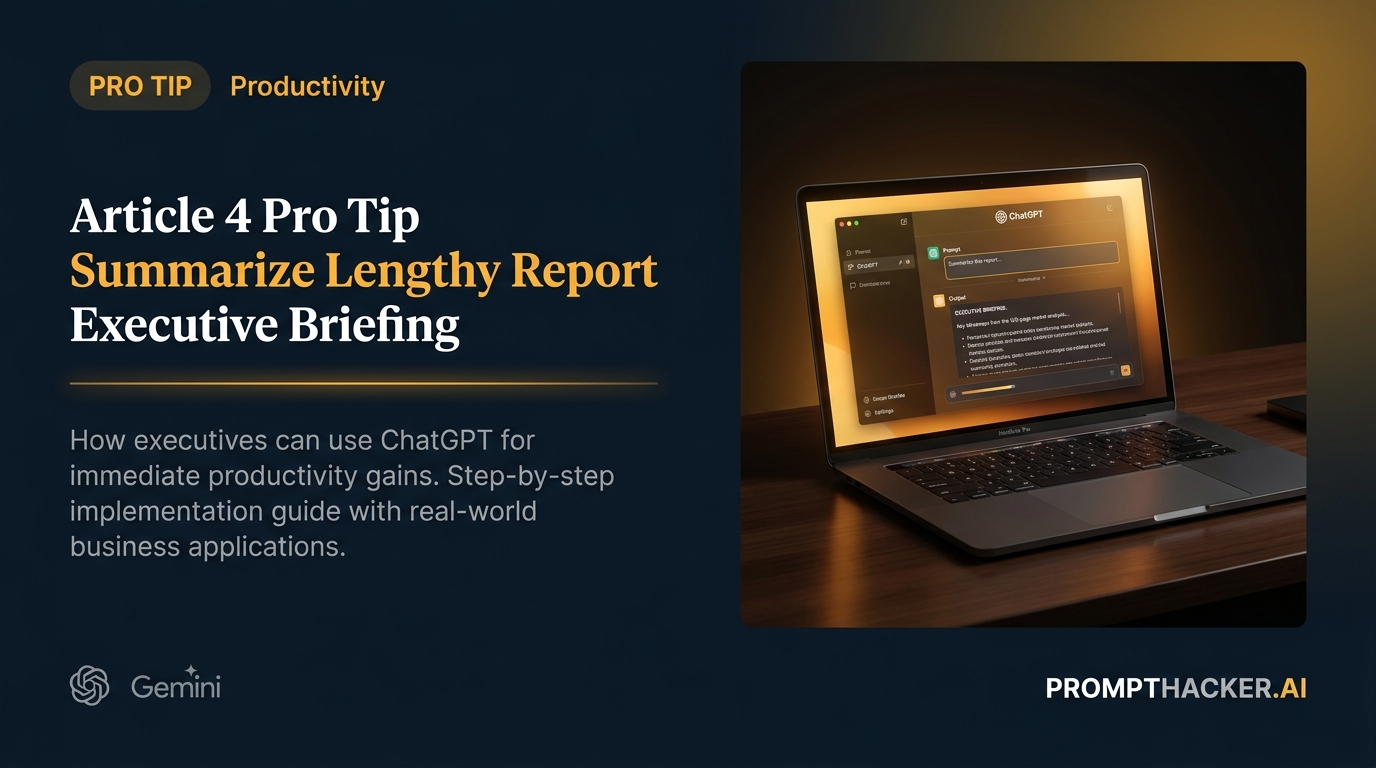
What matters today
A VP of Product Development at a mid-sized SaaS company faces a recurring challenge every quarter: synthesizing multiple 50-page market research reports into a single, digestible executive briefing.
Article roadmap
What you will learn
-
Efficiently condense extensive reports into actionable executive summaries.
-
Identify and extract the top three market trends from complex documents.
-
Formulate specific, actionable recommendations for sales and product teams.
-
Structure AI prompts to ensure precise word counts and formatting for briefings.
-
Avoid common pitfalls when using AI for document summarization.
A VP of Product Development at a mid-sized SaaS company faces a recurring challenge every quarter: synthesizing multiple 50-page market research reports into a single, digestible executive briefing. This isn't just about understanding the data; it's about identifying critical trends, translating them into business implications, and proposing concrete actions for their teams. The process is time-consuming, often requiring several hours of focused reading and drafting.
Without an efficient method, this VP, and many others in similar roles, risk delaying critical strategic decisions. They might overlook nuanced market shifts, present diluted insights, or, worse, miss opportunities because the essential information is buried in verbose reports. The manual effort involved can also lead to burnout, reducing time available for higher-level strategic thinking.
This article introduces a powerful AI-driven approach to tackle this exact problem. It provides a precise prompt designed to transform lengthy market research reports into concise, action-oriented executive summaries. You will discover how to leverage AI to quickly distill vast amounts of information, pinpoint critical trends, and generate actionable recommendations, freeing up valuable executive time and sharpening strategic focus.
Summarize Lengthy Report executive action plan
The ability to quickly and accurately summarize extensive documents is a cornerstone of effective executive communication. In today's fast-paced business environment, executives rarely have the luxury of reading every page of every report. This Pro Tip focuses on harnessing AI to perform this critical task, ensuring that key findings, implications, and recommended actions are presented clearly and concisely. The core of this strategy lies in crafting a precise prompt that guides the AI to deliver exactly what an executive needs for a briefing.
Time to value: 5 minutes (after initial document upload)
Let's walk through the process, considering a realistic scenario where a Director of Strategic Partnerships needs to prepare an executive summary of a 50-page competitive analysis report.
Step 1: Document Preparation and AI Selection
Before interacting with the AI, ensure your report is in a digital format that can be easily copied and pasted, or uploaded, into your chosen AI tool. While most AI platforms can handle direct uploads, copying and pasting the text can sometimes offer more control over the input. For this task, ChatGPT Plus/Pro/Teams, Claude, or Gemini Advanced are suitable choices due to their strong summarization capabilities and context window sizes. For a 50-page report, the expanded context window of ChatGPT Team (250,000 tokens) or Claude 3 Opus would be particularly advantageous.
Why it works:
Using a text-based input or direct upload ensures the AI has full access to the document's content. Choosing an AI with a large context window prevents truncation of the report, guaranteeing a comprehensive analysis.
What can go wrong:
If the document is too large for the AI's context window, it might truncate the input, leading to an incomplete summary.
How to fix it:
If you encounter context window limitations, try breaking the report into logical sections (e.g., by chapter) and summarizing each section separately, then asking the AI to synthesize those summaries. However, for a 50-page report, the recommended tools should handle it in one go.
Step 2: Crafting the Precise Prompt
The success of this Pro Tip hinges on the specificity of your prompt. The goal is not just a summary, but an executive summary that meets specific criteria: a precise word count, a focus on key market trends, their business impact, and actionable recommendations.
Here is the verbatim prompt to use:
VERBATIM PROMPT
"I am providing a 50-page market research report. Read the entire document. Then, generate an executive summary that is exactly 500 words. Focus on the top 3 market trends, their potential impact on our business in the next 12 months, and 2 actionable recommendations for our sales and product teams. Use bullet points for recommendations."
Why it works:
This prompt is highly effective because it provides clear instructions on length, content focus, and formatting. "Read the entire document" ensures the AI processes all available information before summarizing. "Exactly 500 words" imposes a strict constraint, forcing the AI to be concise and prioritize information. While AIs can sometimes be slightly off on exact word counts, they usually get very close, requiring minimal manual adjustment. "Focus on the top 3 market trends" directs the AI to identify and prioritize the most significant insights. "Potential impact on our business in the next 12 months" adds a crucial forward-looking, business-relevant dimension. "2 actionable recommendations for our sales and product teams" mandates specific, departmental-level advice, which is invaluable for executive briefings. "Use bullet points for recommendations" ensures readability and immediate visibility for the action items.
What can go wrong:
The AI might occasionally miss the exact word count or struggle to identify truly "actionable" recommendations if the source material is vague. It might also hallucinate recommendations not directly supported by the text if the prompt is too open-ended.
How to fix it:
If the word count is slightly off, you can ask the AI to "Expand this summary by 50 words" or "Condense this summary by 25 words." If recommendations are too generic, follow up with "Elaborate on recommendation 1, making it more specific for a B2B SaaS sales team."
Step 3: Executing the Prompt and Reviewing the Output
Paste your entire 50-page report text into the AI's input field, followed by the prompt. Initiate the generation. Once the summary is produced, critically review it.
Consider the Director of Strategic Partnerships scenario. After receiving the AI-generated summary of the competitive analysis, the Director should verify: Are the identified market trends genuinely the most significant ones in the report? Is the described impact on the business relevant and forward-looking? Are the recommendations truly actionable for the sales and product teams, and are there exactly two? Is the summary approximately 500 words and well-structured?
Why it works:
The initial AI output serves as a high-quality first draft. It saves 180 minutes by eliminating the need for manual reading and initial drafting. The review process ensures accuracy and alignment with executive expectations.
What can go wrong:
The AI might misinterpret certain nuances or prioritize information differently than a human would. This is especially true for highly subjective or context-dependent analyses.
How to fix it:
Treat the AI's output as a powerful assistant, not a replacement for human judgment. If a trend seems incorrectly emphasized, prompt the AI: "Re-evaluate the market trends. Consider the data on [specific data point] more heavily." If a recommendation is off-target, guide it: "Refine recommendation 2 to focus on improving our onboarding process for enterprise clients."
Step 4: Iterative Refinement (if necessary)
Rarely will the first output be perfect. Use follow-up prompts to refine the summary.
Examples of refinement prompts: "Can you expand on the implications of [specific trend] for our customer retention strategy?" "Make the recommendations more quantitative, if possible, based on the report data." "Adjust the tone to be more optimistic/cautious regarding market growth." "Add a brief introductory sentence setting the context of the report."
Why it works:
Iterative prompting allows for fine-tuning the summary to perfectly match the specific needs and preferences of the executive audience. This ensures the final brief is polished and highly relevant.
What can go wrong:
Over-prompting or providing contradictory instructions can confuse the AI, leading to a degraded output.
How to fix it:
Be clear and concise with each refinement prompt. Address one specific aspect at a time. If the AI seems to lose context, restart with the original prompt and a slightly modified version, incorporating your refinement directly into the initial instruction.
This structured approach transforms a tedious, time-consuming task into a streamlined, efficient process. By leveraging AI's ability to quickly process and synthesize large volumes of text, executives and their teams can gain immediate, actionable insights, enabling faster and more informed decision-making.
Action Steps Summary
- Prepare Your Document: Ensure your lengthy report (e.g., market research, competitive analysis) is in a digital format ready for copying or uploading into your chosen AI tool (ChatGPT Plus/Pro/Teams, Claude, or Gemini Advanced).
- Craft the Specific Prompt: Use the provided prompt verbatim to instruct the AI to generate an executive summary that is exactly 500 words, focusing on the top 3 market trends, their 12-month business impact, and 2 actionable recommendations for sales and product teams, presented in bullet points.
- Generate and Review: Paste the report text and the prompt into the AI. Critically review the AI's output for accuracy, relevance, adherence to word count, and the actionability of recommendations.
- Refine Iteratively: Use targeted follow-up prompts to fine-tune the summary, addressing any areas that require more detail, different emphasis, or specific tonal adjustments, ensuring the final output perfectly suits your executive briefing needs.
Also in This Biweekly Issue
-> Anthropic's Claude 3 Family: New AI Performance Benchmarks
-> Automated Meeting Summary & Action Items
-> OpenAI ChatGPT Team: 250,000 Token Context Window
Get the full breakdown every two weeks
PromptHacker Premium delivers 5 deep-dive articles, exact prompts, and step-by-step workflows every two weeks.
Three deep dives. Four useful moves. One email worth opening.
PromptHacker turns the AI firehose into practical next steps for work, health, family, and everything time keeps trying to steal.