PH PROMPTHACKER.AI
PromptHacker / productivity gem
PRODUCTIVITY GEM

Automate Executive Briefs from Multiple Documents with AI

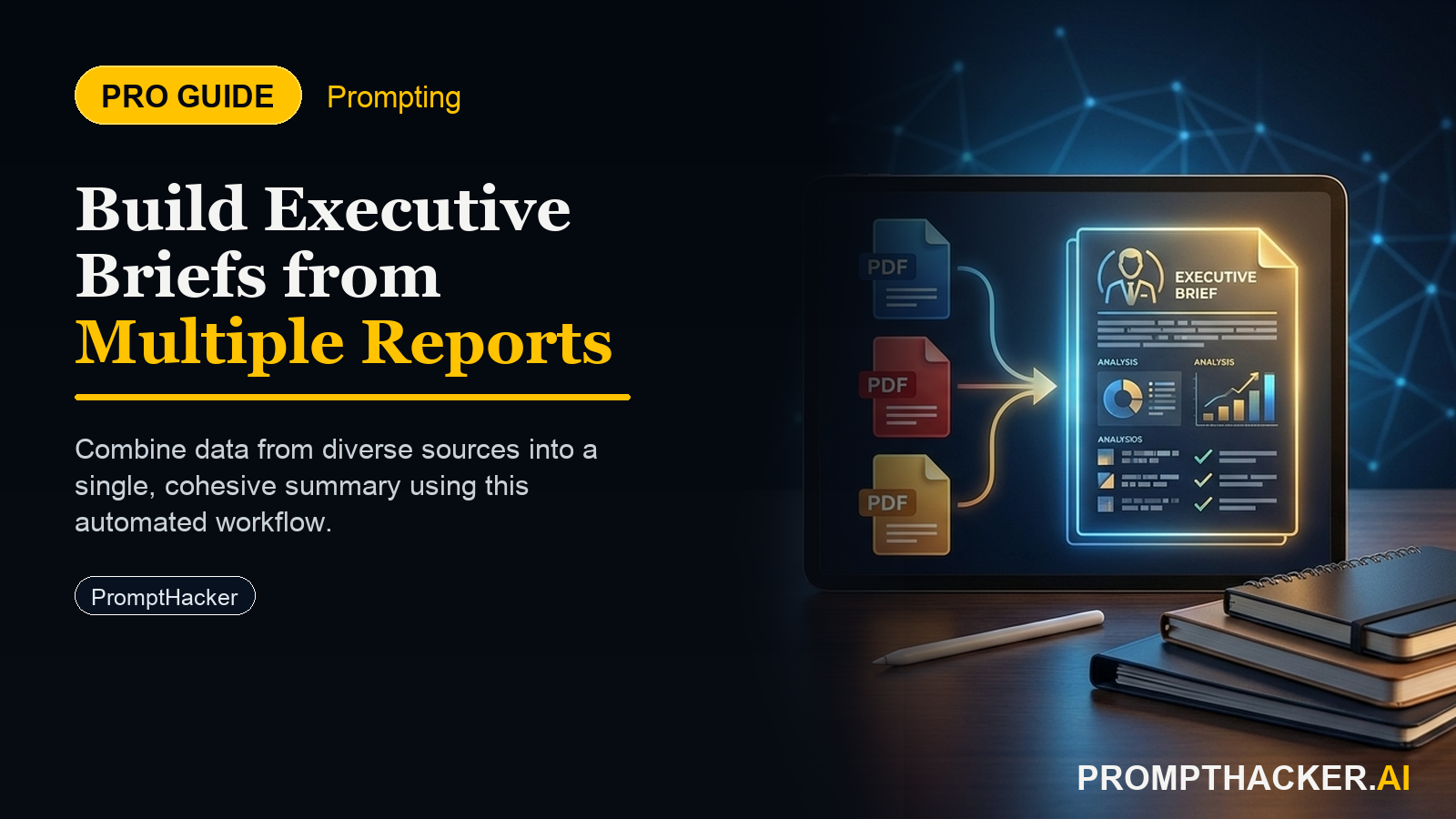
Generate concise, actionable executive summaries from multiple complex reports in minutes, ensuring data-driven strategic decisions.

June 4, 2025 8 min read
productivity gem ai efficiency hacks
Quick Scan

What matters today

Generate concise, actionable executive summaries from multiple complex reports in minutes, ensuring data-driven strategic decisions.

Format PRODUCTIVITY GEM
Audience Executives using AI at work
Time 8 min read

Key points

  • Step 1: Select Your AI Tool and Prepare Documents
  • Step 2: Craft Your Structured Prompt Template
  • Step 3: Upload Documents and Execute the Prompt
  • Step 4: Review and Refine the AI-Generated Brief

Automate Executive Briefs from Multiple Documents with AI

Generate concise, actionable executive summaries from multiple complex reports in minutes, ensuring data-driven strategic decisions.

2025-06-04 | By Pierre Bradshaw

What you will learn in this article:

  • How to prepare multiple business documents for AI analysis to extract core insights efficiently.
  • How to craft a structured prompt to generate a comparative executive brief from diverse data sources.
  • How to utilize AI's enhanced context window to process lengthy reports without manual segmentation.
  • How to review and refine AI-generated summaries for accuracy and strategic relevance.
  • How to save 90 minutes per brief in preparing critical decision-making materials for leadership.

A Chief Strategy Officer at a rapidly expanding tech firm faces a weekly challenge: synthesizing insights from three separate market research reports, two competitor analyses, and internal performance data. Each document is dozens of pages long, and manually sifting through them to identify trends, opportunities, and threats consumes hours, often pushing critical decision-making deadlines. The sheer volume of information often means crucial details are overlooked, or the synthesis is delayed.

Without a fast, reliable method to distill this information, strategic responses can be delayed, market shifts might be missed, and competitive advantages erode. The pressure to stay agile while maintaining data-driven rigor is constant, yet the time required for deep analysis remains a significant bottleneck. This manual burden directly impacts an executive's capacity for proactive planning and swift execution, often leading to reactive strategies rather than visionary ones.

This week's Productivity Gem provides a powerful, AI-driven workflow that transforms how executives process complex information. Discover how to leverage advanced AI capabilities to automatically generate comprehensive executive briefs from multiple lengthy documents, reclaiming valuable hours and sharpening your strategic focus. This approach ensures that critical insights are surfaced quickly, enabling more informed and timely strategic decisions across your organization.

Executives frequently encounter a formidable challenge: the need to quickly digest vast quantities of information from disparate sources into a cohesive, actionable executive brief. This task is traditionally time-intensive, requiring meticulous reading, cross-referencing, and synthesizing. Manual approaches are prone to human error, can miss subtle connections between documents, and severely limit the number of reports an executive can thoroughly review within tight deadlines. This gem provides a structured method to overcome these limitations.

This Productivity Gem leverages the advanced capabilities of AI, specifically large context window models, to automate the creation of detailed executive briefs. By providing a structured prompt and uploading multiple documents, you can generate a comprehensive summary that highlights key insights, opportunities, risks, and recommendations in minutes, not hours. This workflow is designed to give you 90 minutes back per brief, allowing for more strategic thinking and less manual data aggregation.

Key Details

Outcome: Generate concise, actionable executive summaries from multiple complex documents in minutes, ensuring data-driven strategic decisions.

Setup time: 10 minutes

Time savings: 90 minutes per brief

Tools: Anthropic Claude (specifically leveraging its enhanced context window for document analysis, as highlighted in Quick Hit 5)

Consider a Director of Product responsible for a new product launch. They need to quickly consolidate information from a user feedback report, a market segment analysis, and a competitive feature matrix to present to the executive team. Traditionally, this involves days of reading, cross-referencing, and manual summary creation. With this AI-powered workflow, the Director can generate a first-draft brief in under 15 minutes, allowing ample time for strategic review and refinement.

Here is the step-by-step process to implement this productivity gem:

Step 1: Select Your AI Tool and Prepare Documents

The foundation of this gem is the AI's ability to process large volumes of text. Anthropic Claude is an ideal tool for this task due to its significantly expanded context window, allowing for the analysis of much longer documents and multiple files simultaneously without the need for prior manual segmentation. This feature eliminates a major bottleneck in traditional AI document processing.

Begin by gathering all relevant documents. These can include market research reports, financial statements, competitor analyses, internal performance reviews, user feedback summaries, or legal contracts. Ensure all documents are in a compatible digital format such as PDF, DOCX, or plain text files. If you have physical documents, they must be converted into digital text files through scanning and OCR (Optical Character Recognition) before proceeding.

Organize your files with clear, descriptive names (e.g., "Q1 Market Trends Report.pdf," "Competitor X Deep Dive.docx"). This practice is crucial for accurately referencing them within your prompt and for maintaining clarity during the AI's analysis. While Claude can handle substantial amounts of text, extreme cases of hundreds of very large files might still benefit from some initial categorization to ensure the most focused output.

Step 2: Craft Your Structured Prompt Template

The effectiveness of your AI-generated brief hinges on the quality and structure of your prompt. A well-designed prompt guides the AI to focus on your specific needs, extract relevant information, and present it in a usable format. This template ensures consistency and comprehensive coverage across all documents.

Your prompt should clearly define the AI's role, the task at hand, the context of your request, the desired output format, and any specific constraints. This clarity minimizes ambiguity and directs the AI towards producing an executive-level summary suitable for strategic decision-making. The goal is to move beyond simple summarization to deep insight extraction.

Here is a comprehensive prompt template ready for immediate use. Copy this verbatim and fill in the bracketed placeholders with your specific information:

PROMPT TEMPLATE

"You are an expert business analyst and strategic advisor. Your task is to analyze the provided documents and generate a concise executive brief. Context: I am a [Your Role, e.g., CEO, Head of Marketing, Product Director] and need to understand the critical insights, key trends, and actionable recommendations from these documents to inform strategic decision-making for [Your Business Goal, e.g., market expansion into Q3 2025, optimizing product feature roadmap, assessing competitive landscape]. Documents provided: [List each document name and its purpose here, e.g., - "User Feedback Report Q1 2025.pdf": Summarizes customer sentiment and pain points. - "Market Segment Analysis 2025.docx": Details market size, growth, and key segments. - "Competitor Feature Matrix v3.txt": Compares our product features against top competitors. - "Internal Sales Performance H1 2025.xlsx": Provides sales data and pipeline metrics. ] Your executive brief should include the following sections: 1. **Overall Summary (150-200 words):** A high-level overview of the most important findings and their strategic implications across all documents. 2. **Key Insights & Trends:** * Identify 3-5 overarching insights or trends relevant to [Your Business Goal]. * For each insight, clearly state which document(s) it originates from or is supported by. * Explain the significance of each trend for the business. 3. **Opportunities & Risks:** * Based on the integrated analysis, highlight 2-3 significant opportunities for the business, justifying each with specific findings. * Identify 2-3 significant risks or challenges, explaining their potential impact and supporting them with evidence from the documents. 4. **Actionable Recommendations:** * Provide 3-5 concrete, strategic recommendations for [Your Department/Team, e.g., the product development team, the sales and marketing department, the R&D division]. * Each recommendation must be specific, directly supported by the document analysis, and include a brief rationale for its strategic value. 5. **Data Gaps/Further Research:** * Identify any areas where the provided data is insufficient, contradictory, or where further investigation is required to solidify recommendations. * Suggest specific types of additional information or research needed. Constraints: * Maintain a professional, executive-level tone suitable for C-suite review. * Be concise and avoid technical jargon where simpler language suffices. * Limit the entire brief to approximately 750-1000 words for readability. * Focus on strategic implications and actionable intelligence, not merely factual regurgitation. * Do not invent information not explicitly present in the provided documents. * If specific data points (e.g., market share percentages, revenue figures) are requested or implied, extract them accurately and present them clearly."

Pierre Bradshaw

Founder, PromptHacker.ai

Step 3: Upload Documents and Execute the Prompt

With your documents prepared and your prompt customized, the next step is to initiate the AI analysis. Navigate to Anthropic Claude's interface. Most AI platforms with large context windows allow you to upload multiple files directly into the chat interface.

Upload each of your prepared documents. Once uploaded, paste your carefully crafted prompt into the chat box. Before sending, double-check that you have accurately filled in all bracketed placeholders within the prompt, including your role, business goal, and the specific names and purposes of each document. This critical review ensures the AI has all necessary parameters to perform the task effectively.

Press enter or click the send button to submit your request. Claude will then process the documents and generate the executive brief based on your instructions. The speed of generation will vary depending on the number and length of your documents, but it will be significantly faster than manual analysis.

Step 4: Review and Refine the AI-Generated Brief

The AI-generated brief provides a powerful first draft, but it is not the final product. AI is a co-pilot, not a replacement for human strategic judgment. This step is crucial for ensuring accuracy, strategic alignment, and the appropriate tone for your audience.

Critically assess the brief for factual accuracy against the original documents. Check for logical coherence, ensuring that insights flow naturally into recommendations. Evaluate the tone to ensure it matches your organizational communication style and the gravity of the decisions to be made. Look for areas where the AI might have misinterpreted context or missed a subtle but important nuance.

Use follow-up prompts to refine the output. For example:

  • "Elaborate on recommendation 2, focusing on potential implementation challenges."
  • "Adjust the tone of the 'Opportunities' section to be more assertive and less speculative."
  • "Cross-reference the market size figures in 'Key Insights' with the 'Market Segment Analysis 2025.docx' to confirm accuracy."
Free weekly briefing

Three deep dives. Four useful moves. One email worth opening.

PromptHacker turns the AI firehose into practical next steps for work, health, family, and everything time keeps trying to steal.