Replace Your Meeting Recap Email With A Two-Minute Copilot Video Nobody Will Skip
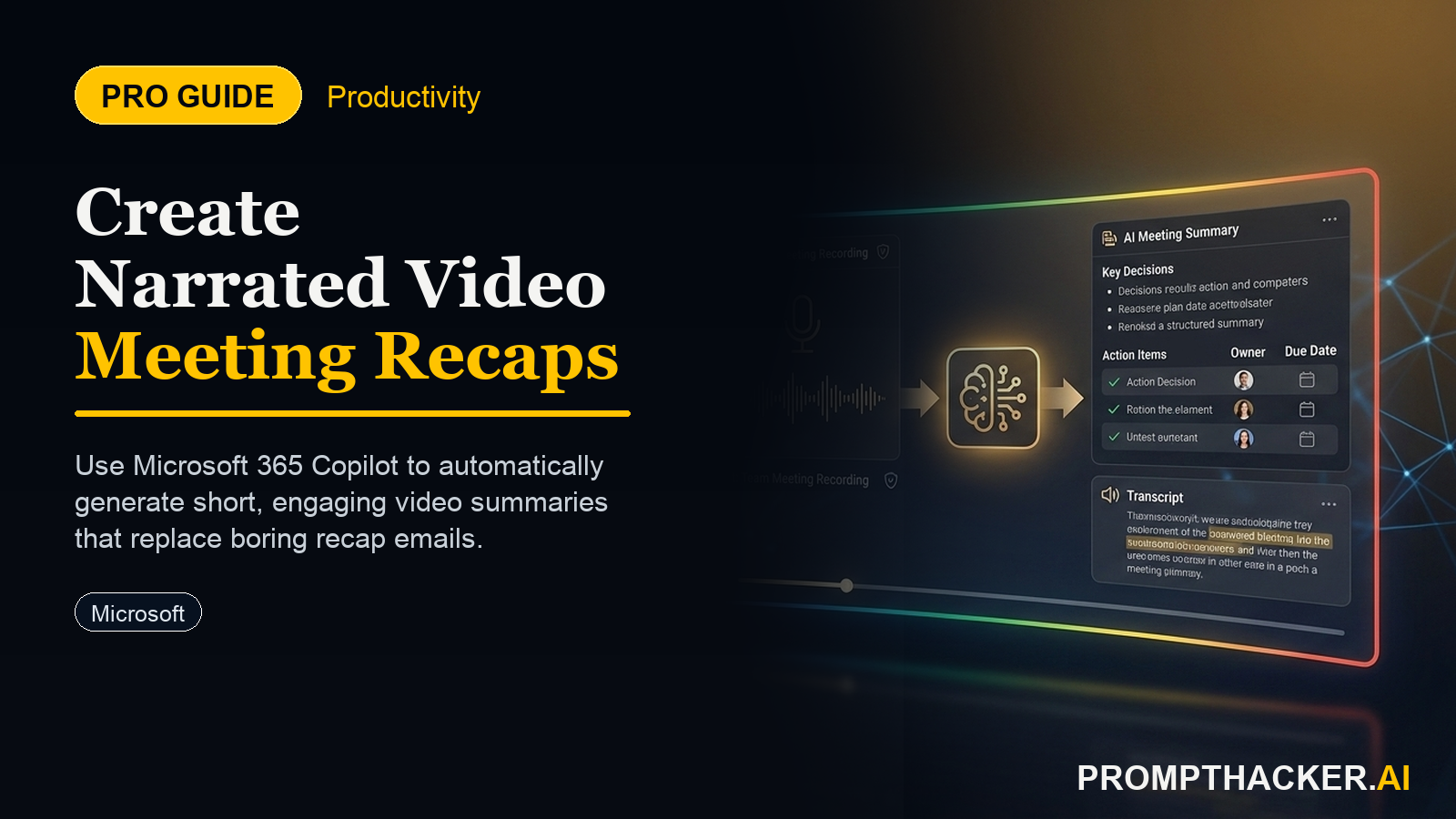
Microsoft 365 Copilot released a major meeting recap upgrade in April 2026. When you ask Copilot Chat to summarize a recorded meeting, the output now includes a short narrated highlight video alongside the written recap. The video pulls actual clips from the recording, stitches them together, and narrates the context.
What matters today
Microsoft 365 Copilot released a major meeting recap upgrade in April 2026. When you ask Copilot Chat to summarize a recorded meeting, the output now includes a short narrated highlight video alongside the written recap.
Article roadmap
What you will learn
-
How to trigger the narrated video recap from Copilot Chat in under 10 seconds
-
The exact Slack or Teams post format that gets stakeholders to actually watch
-
When text recaps still win and when video wins
-
A weekly cadence that replaces 75 minutes of write-up time across five meetings
Microsoft 365 Copilot released a major meeting recap upgrade in April 2026. When you ask Copilot Chat to summarize a recorded meeting, the output now includes a short narrated highlight video alongside the written recap. The video pulls actual clips from the recording, stitches them together, and narrates the context.
For anyone who has sent a 300-word recap email and watched it go unread by the people who needed to read it, the ROI is immediate. Stakeholders will watch a two-minute video at 1.5x on their commute. They will not read your email.
The change in behavior is what matters. The new format respects how busy people actually process information. What follows is the exact cadence, the Slack post template, and when text still wins.
Subscribers Read On
PromptHacker Premium members get the full workflow below.
Trigger the narrated recap
After the meeting ends, open Copilot Chat in Teams or the M365 web app. Run this exact prompt:
Copilot renders the narrated video in 30 to 90 seconds depending on the meeting length. Download the MP4 or grab the shareable link.
The Slack post format that actually works
Do not post just the video link. Post it with structure. This is the exact format that test teams use:
The three lines give a skim option. The video is the default. The written recap is the fallback for someone who needs to cite a specific quote.
When text wins, when video wins
The weekly cadence that saves 75 minutes
Pick your five highest-signal weekly meetings. For each one, commit to the video-first format. Track how long stakeholder acknowledgment takes (thumbs up emoji, reply, approval) against your old text format. Most users see a 2x lift in acknowledged recaps within two weeks. That is the leading indicator that the format shift stuck.
Action steps summary
- Pick one recurring meeting this week that typically gets a text recap. Start there.
- Record the meeting in Teams. Confirm the recording is on before the call starts.
- Run the Copilot prompt above immediately after.
- Post the recap in Slack or Teams using the three-line structure plus the video link.
- Measure acknowledgments for two weeks. If the lift is real, add four more meetings.
- Keep text as the default for approval-required or legal-sensitive content.
Three deep dives. Four useful moves. One email worth opening.
PromptHacker turns the AI firehose into practical next steps for work, health, family, and everything time keeps trying to steal.