Build a self-updating team dashboard inside Slack
A paired Slackbot Surface and Skill can replace one manually rebuilt status report, if the metric, source, and review owner are clear.
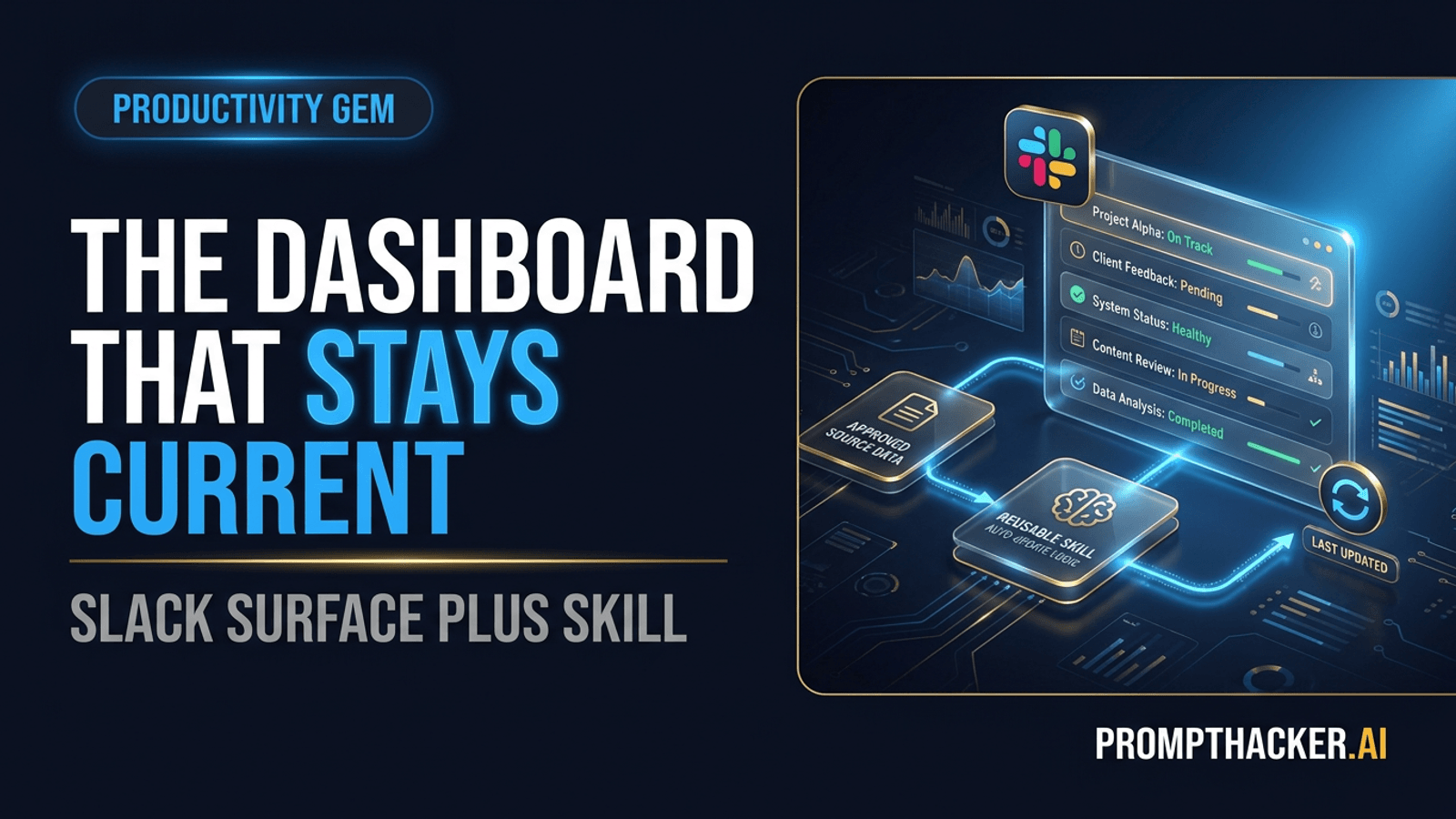
What matters today
A paired Slackbot Surface and Skill can replace one manually rebuilt status report, if the metric, source, and review owner are clear.
Key points
- What you'll learn
- Pick a report that wants to live in a channel
- The ten-minute static setup
- Verify the first Surface
- Turn the instruction into a Skill
Article roadmap
What you will learn
-
How to choose the right report for a Slack Surface
-
A ten-minute setup path for the first static dashboard
-
How a Slackbot Skill can maintain the view
-
How to calculate time saved without turning an estimate into a promise
-
Which data and permission checks belong before a channel pin
Priya's team spends an hour every Friday rebuilding the same project-health sheet. The data comes from a tracker, the explanation comes from Slack, and the finished screenshot returns to Slack. In this illustrative scenario, the report exists mainly because no single shared view stays current.
She asks Slackbot for a Surface with five fields: project, owner, milestone, status, and blocker. The first version takes minutes, but two red rows are based on messages posted before the tracker was updated. Priya adds a source rule and corrects the date range before anyone pins it.
After the second clean run, the team creates a Slackbot Skill that repeats the same instructions and refreshes the Surface. The workflow saves time because it replaces a specific weekly assembly task. It does not save time merely because the dashboard is generated by AI.
Pick a report that wants to live in a channel
The best Surface candidate already has three traits:
- The team discusses it in one Slack channel
- Someone rebuilds it on a predictable schedule
- The underlying facts come from a small number of named sources
Project health, campaign status, account risk, hiring progress, and weekly priorities can fit. A statutory financial report, compensation file, or sensitive personnel review probably does not. The channel audience is part of the design.
Choose one report whose correct version is available for comparison. A known answer makes the pilot measurable and limits debate about whether the Surface is "good."
Write the purpose in one sentence: "This Surface helps the product leadership channel see which launch milestones are off track and who owns the next step." If the purpose needs a paragraph, the first version is too broad.
The ten-minute static setup
Slack's July 29 release says Surfaces can create live, interactive reports inside a channel. Start with a static version before adding automatic refresh.
Use a request like this:
Create a Surface for this channel showing each active project, current milestone,
owner, status, blocker, and next review date.
Use [approved tracker] as the source of truth for project fields. Use messages in
this channel since Monday only to explain blockers. If Slack and the tracker
conflict, show both and label the row Needs review.
Do not infer owners or deadlines. Show the source and last-updated time on every
row. Return a draft before pinning it.
The request does four jobs. It defines the schema, separates authoritative data from commentary, states how conflicts appear, and creates a review stop.
Keep the first view small enough to scan. Five to seven columns are usually enough. If a user needs horizontal scrolling to understand the status, move supporting detail into a drill-down view or linked source.
Verify the first Surface
Check a sample from each status category. Open the source for at least one green, one yellow, and one red row. A dashboard can look reasonable while misclassifying the exceptions that matter most.
Ask:
- Is every active project present once?
- Does the owner match the controlling tracker?
- Is the status based on a visible rule?
- Are dates current and in one format?
- Are missing values labeled?
- Does the channel audience have a legitimate need for every field?
Then ask Slackbot to run one calculation with Code Execution if the Surface includes totals or rates. For example, calculate the percentage of milestones due this month that are on track. Hand-check a small sample. The point is not to audit every row forever. It is to verify that the method deserves repetition.
Turn the instruction into a Skill
Slackbot Skills package reusable instructions. After two successful manual runs, save the Surface recipe as a Skill. Include:
- The Surface purpose and audience
- The controlling source and refresh window
- The exact columns and status rules
- The conflict and missing-data treatment
- The channel where the Surface belongs
- The review owner
- The conditions that should stop the refresh
A stop condition could be: "If more than 10 percent of rows have missing owners, do not update the pinned Surface. Post a review notice to the dashboard owner instead."
That is more useful than forcing a clean-looking refresh from incomplete data. Automatic maintenance should surface failure, not hide it.
Pair the Skill with the Surface only when the instruction is stable. Slack says this pairing can keep data updated automatically. Confirm the actual refresh behavior in the workspace, then publish a visible last-updated time.
Make the status rules boring
Color labels become untrustworthy when people interpret them differently. Define the rule in plain language.
For example:
Status | Rule
Green | Milestone is on or ahead of the approved date, with no unresolved blocker.
Yellow | Milestone is at risk within 14 days, or a blocker has no confirmed resolution.
Red | Approved date is missed, or the current plan cannot meet it without a decision.
Needs review | Source conflict, missing owner, missing date, or stale update.
The "Needs review" state matters. Without it, uncertain rows get pushed into a confident color. A dashboard should make uncertainty actionable.
Name who can change the rules. Otherwise the Skill may preserve an outdated definition after the team changes its planning process.
Calculate the time saved honestly
The Phase 1 research estimated that this workflow could save about 60 minutes per week. Treat that as a hypothesis.
Measure the old process for two cycles:
old weekly time = source collection + spreadsheet update + review + reposting
Then measure the Surface process:
new weekly time = refresh review + exceptions + corrections + maintenance
Subtract the second from the first. If the old report took 65 minutes and the reviewed Surface takes 18, the measured saving is 47 minutes for that team. Do not round it into a universal claim.
Also track whether the dashboard improves decisions. A faster report that creates more questions or hides source detail can move work downstream rather than remove it.
Channel design is part of the control
Before pinning the Surface, check channel membership. A view assembled from sources a creator may access can still contain details that should not be distributed to everyone in the channel.
Use a private pilot channel when the report contains customer risk, financial detail, or performance notes. Remove fields the audience does not need. Link to restricted details rather than copying them into the Surface.
Decide who can edit the Skill and who owns the underlying data. If a metric changes, update both the source definition and the Skill. A dashboard is not current when only its timestamp changes.
A weekly maintenance rhythm
Keep maintenance short and explicit:
- Monday: Surface refreshes from the approved source
- Monday owner review: exceptions, missing data, and source conflicts
- Midweek: teammates comment on rows rather than opening duplicate threads
- Friday: owner archives resolved blockers and checks whether the status rules still fit
- Monthly: team compares actual time saved and removes unused fields
The rhythm prevents the Surface from becoming another abandoned dashboard. If no one uses a field for a month, remove it. If comments repeatedly ask for the same detail, consider adding a drill-down rather than another top-level column.
Failure modes to catch early
Stale source: The Skill refreshes correctly from an old tracker. Show source freshness and stop when it exceeds the team's threshold.
Silent conflict: A channel message contradicts the tracker and Slackbot chooses one. Require a Needs review state.
Permission spill: A user builds the view in a channel with a broader audience than the source intended. Review membership before pinning.
Metric drift: The team changes the definition of at risk, but the Skill keeps the old rule. Give the rule an owner and version date.
Automation theater: The team spends more time maintaining the Surface than updating the old report. Measure the full process and retire it if the gain disappears.
Action Steps Summary
- Choose one recurring report already discussed in a single channel.
- Build a static Surface from named sources and explicit status rules.
- Verify sample rows, one decisive calculation, and the channel audience.
- Convert the stable recipe into a Slackbot Skill after two successful manual runs.
- Measure old and new weekly time for a month, then keep, narrow, or retire the workflow.
PromptHacker Premium helps Executives replace one tedious workflow at a time with evidence, ownership, and a clear way to measure the gain.
Sources
Three deep dives. Four useful moves. One email worth opening.
PromptHacker turns the AI firehose into practical next steps for work, health, family, and everything time keeps trying to steal.