Slackbot can now build the dashboard, run the math, and draft the deck
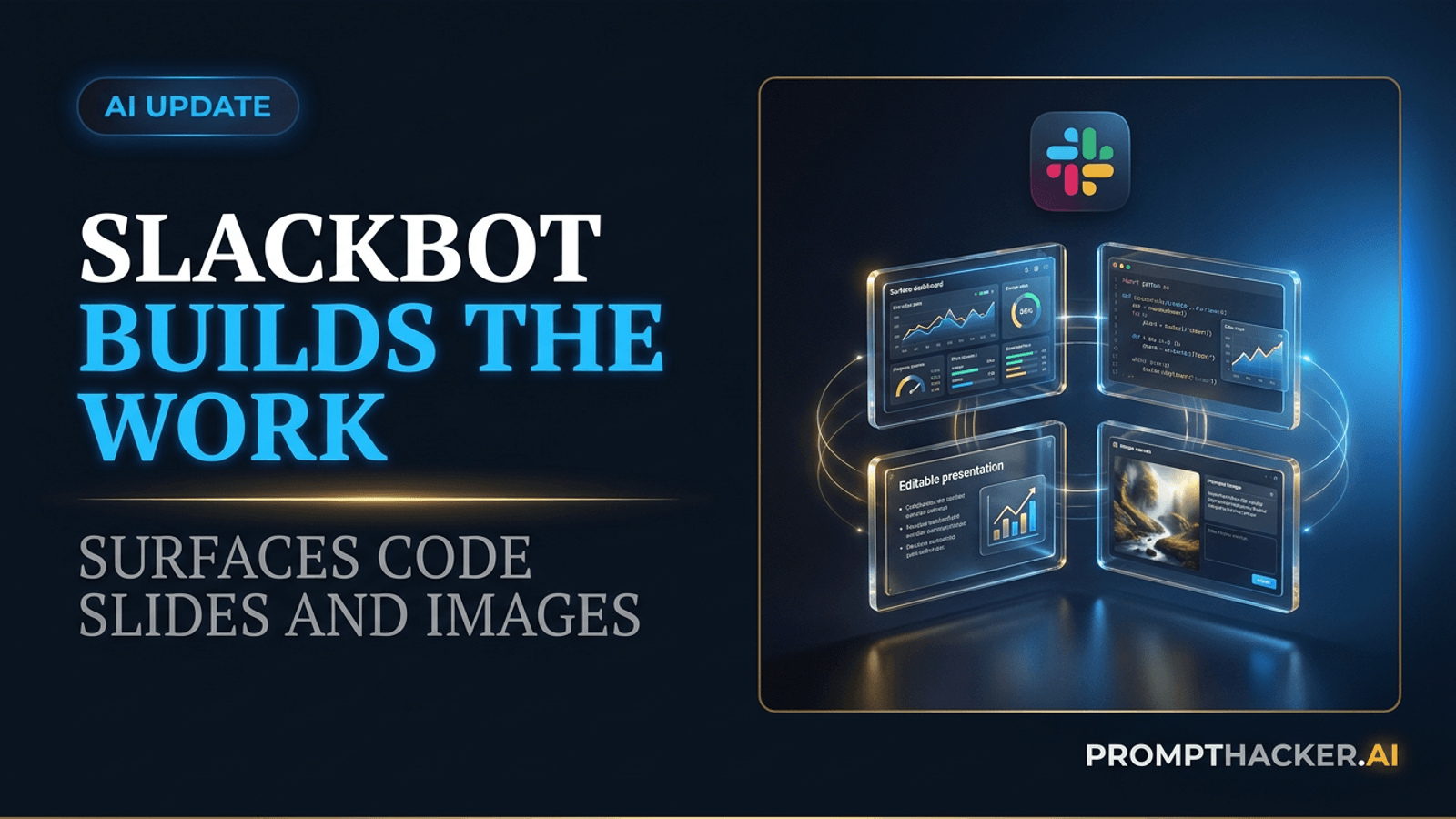
Slack's new Advanced Features turn a channel request into a live Surface, a checked calculation, or an editable presentation.
What matters today
Slack's new Advanced Features turn a channel request into a live Surface, a checked calculation, or an editable presentation.
Key points
- What you'll learn
- What Slack released
- Surfaces change the unit of collaboration
- Code Execution makes the answer inspectable
- Slide Creation closes the last-mile gap
Article roadmap
What you will learn
-
What Slack released on July 29 and which plan gets it first
-
How Surfaces, Code Execution, Slide Creation, and Image Generation fit together
-
Where Claude, Slack Skills, and MCP connections enter the workflow
-
How to run a useful pilot without treating a polished artifact as proof
-
Which review and permission boundaries still belong to people
Maya, a revenue leader, starts Monday with the same scattered ingredients as last week: pipeline notes in three channels, a forecast file, account risks buried in replies, and a leadership meeting at 10:00. The usual dashboard will take an analyst most of the morning to refresh. In this illustrative scenario, the team does not need another chat summary. It needs one current view that colleagues can inspect together.
She asks Slackbot to create a Surface showing pipeline movement, deals at risk, missing owners, and the source behind each number. The result sits inside the channel instead of arriving as another file attachment. Teammates comment on the questionable rows, vote on two priorities, and open the evidence without leaving the conversation.
The important moment comes after the first draft. Maya spots a territory total that looks wrong and asks Slackbot to run the calculation again with the current quarter filter. The number changes. That correction explains both the promise and the limit of Slack's July 29 release: the new features can compress the trip from conversation to artifact, but they do not make review optional.
What Slack released
Slack introduced four Advanced Features for Slackbot on July 29: Surfaces, Code Execution, Slide Creation, and Image Generation. Slack says the features are available to Enterprise+ customers at launch, with no usage limits initially. That plan boundary matters because a team on Business+ or a lower tier should not design a rollout around tools it cannot yet open.
Each feature handles a different part of the work:
- Surfaces create interactive reports, comparisons, plans, trackers, and dashboards inside Slack. They can be pinned in a channel, opened by teammates, and connected to real data.
- Code Execution lets Slackbot run Python in a secure sandbox for calculations, data analysis, charts, and structured transformations.
- Slide Creation turns Slack context and connected information into an editable presentation.
- Image Generation creates or edits visual material for a Slack conversation or artifact.
The features are more useful together than they are as four isolated buttons. A Surface can gather the current state, Code Execution can test the numbers behind it, and Slide Creation can turn the reviewed result into a presentation. The handoff becomes shorter because the source conversation and the working artifact occupy the same environment.
That does not turn Slack into a complete business intelligence platform. A Surface is a practical shared view, not a replacement for every governed data model, audit process, or financial reporting system. The right question is narrower: can it replace the recurring manual report that exists mostly to keep one team aligned?
Surfaces change the unit of collaboration
Most Slack summaries are disposable. They answer a question once, then disappear above the fold as the channel moves on. A Surface is designed to persist. It can hold a dashboard, report, plan, comparison, or tracker that the team returns to.
Slack says people can comment, vote, filter, and drill into a Surface. That makes the artifact collaborative in a way a pasted screenshot is not. The discussion stays attached to the object being discussed. If a row is disputed, the comment can sit beside that row. If a decision needs a quick signal, the team can vote in the same place.
The persistence becomes more valuable when a Surface is paired with a Slackbot Skill. Skills are reusable instructions that tell Slackbot how to perform a recurring task. Slack says a paired Skill can keep a Surface updated automatically. A weekly pipeline view, onboarding tracker, or campaign report can therefore become a maintained channel object instead of a document someone rebuilds every Friday.
The phrase "real data" deserves care. A connected source can still be stale, incomplete, or defined differently from the metric used in a formal report. Before adopting a Surface, name the controlling source, refresh frequency, metric definition, and owner. Put those details in the Surface or the paired Skill so a reader can tell what the view represents.
Code Execution makes the answer inspectable
Slackbot can now execute Python in a secure sandbox. That gives the assistant a way to calculate rather than guess. It can sort a data set, compute a rate, compare periods, create a chart, or test a scenario directly from the conversation.
This is a meaningful change because language models are not dependable calculators by default. A fluent explanation can hide a simple arithmetic error. Code gives the work a concrete procedure. It also gives a reviewer something to question: which rows were included, what filter was applied, how missing values were treated, and whether the formula matches the business definition.
For Maya's pipeline view, the test should not be "does the chart look plausible?" It should be:
- Does the input contain the expected accounts and date range?
- Does the calculation use the approved stage definitions?
- Are missing values labeled instead of silently replaced?
- Does one hand-checked sample match the code result?
- Can another person reproduce the total from the named source?
The sandbox limits where code runs, but it does not certify the inputs or the conclusion. A secure calculation can still be the wrong calculation. Keep the source and the business rule beside the result.
Slide Creation closes the last-mile gap
Leadership work often ends in a deck even when the underlying discussion happens in Slack. Slide Creation reduces the copying between those formats. Slackbot can turn a channel's decisions, files, and approved Surface into an editable presentation.
An effective request gives the deck a job rather than a topic. "Make slides about the forecast" is weak. "Create an eight-slide leadership deck that explains the quarter-to-date change, shows three verified risks, names the owner of each response, and ends with two decisions required today" is reviewable.
Ask for a source note on every slide that contains a number or factual claim. Then inspect the deck for four common problems:
- A channel opinion presented as an established fact
- An old attachment used instead of the current file
- A chart whose scale exaggerates a small change
- A polished recommendation that skips unresolved evidence
The generated deck is editable, which is essential. Treat it as a first draft that has already done the assembly work, not as a presentation that has already earned approval.
Image Generation has a similar role. It can create a concept visual or edit an image in context, but the result still needs brand, rights, accuracy, and accessibility checks. A useful visual should support the decision, not merely make the deck look finished.
Claude and the rebuilt Slackbot
Slack says its rebuilt Slackbot is powered by Anthropic's Claude. That model helps interpret natural requests, reason across workspace context, and produce the artifacts behind the new experience. The model name is relevant, but the more important system choice is Slack's permission model.
Slack says Slackbot works within a user's existing access. It should not reveal a private channel, file, or connected record the person could not otherwise open. The same principle applies when Slackbot creates a Surface or slide deck: generated content can combine authorized sources, but it should not expand authority.
That still leaves an easy way to overshare. A person may be allowed to read a sensitive file but should not necessarily summarize it into a large public channel. Technical access and appropriate distribution are different decisions. Before creating a shared artifact, choose the destination channel deliberately and remove details the full audience does not need.
Skills and MCP connections extend the workflow
Slackbot Skills package a recurring instruction so a team does not have to reconstruct it in every conversation. Slack's help center says people can browse, share, and create Skills. A useful Skill should state the inputs, output format, quality checks, and point where a person must review.
Model Context Protocol connections add another layer. Slack publishes separate lists for products that can use Slack's MCP server and services Slackbot can reach as an MCP client. The lists include familiar tools such as ChatGPT, Claude, Cursor, Dropbox, Notion, Perplexity, Figma, Linear, Miro, Replit, and Vercel, among others.
An MCP connection is not a reason to connect every service. Each connection changes the data and actions available to the workflow. Start with one source that clearly improves the artifact. Confirm what Slackbot can read, what it can write, which user identity applies, and how the connection can be revoked.
For a recurring Surface, the cleanest design is often:
- One channel with a defined audience
- One paired Skill with a visible metric definition
- One or two approved data connections
- One owner who reviews exceptions
- One published refresh schedule
That is enough to test the idea without turning a small dashboard into an uncontrolled integration project.
A 30-minute pilot
Choose a report that is manually rebuilt, easy to verify, and safe to share in a small channel. A resolved weekly pipeline report, project-risk list, or campaign status view can work.
Begin with a written request:
Create a Surface for this channel that shows this week's pipeline movement,
deals at risk, the owner of each next step, and the source behind every number.
Use only [approved source] and messages posted in this channel since [date].
Label missing data. Do not infer an owner or amount.
Before pinning the Surface, show the metric definitions and run a Python check
on the total pipeline value. Stop for review if the source and channel disagree.
Review the first result against a known report. Correct one error through the conversation. Then pair a Skill only after the static version is trustworthy. Automatic refresh is valuable when it repeats a dependable procedure. It is dangerous when it repeats an unexamined one.
Measure the pilot on total effort, not generation speed. Count setup, source correction, review, and maintenance. A Surface that appears in two minutes but needs forty minutes of repair is not saving time. A ten-minute view that removes a weekly spreadsheet ritual may be worth keeping.
Where the workflow can fail
The first failure is stale context. Slack contains yesterday's file, last quarter's definition, and an offhand comment that looks authoritative when removed from its thread. Name the controlling source and date range.
The second is audience drift. A private calculation can become a pinned channel artifact with one prompt. Check the channel membership and remove sensitive rows before sharing.
The third is false precision. Python can return a number to six decimal places even when the input is incomplete. Show missing data and business assumptions beside the result.
The fourth is artifact confidence. A polished deck or Surface feels more settled than a rough note. Require source links, owner names, and an explicit review state such as Draft, Reviewed, or Approved.
The fifth is plan mismatch. Advanced Features are launching on Enterprise+. Confirm availability in the actual workspace before designing a team process or promising time savings.
Action Steps Summary
- Confirm the workspace has Slackbot Advanced Features on Enterprise+.
- Pick one recurring report with a known answer and a small channel audience.
- Build a Surface from named sources, then use Code Execution to check one decisive calculation.
- Review permissions, missing data, and distribution before pinning or sharing the artifact.
- Pair a Skill only after two successful manual runs, then measure the full weekly time saved.
PromptHacker Premium turns AI releases into practical workflows Executives can test against real work, visible evidence, and clear approval boundaries.
Sources
Three deep dives. Four useful moves. One email worth opening.
PromptHacker turns the AI firehose into practical next steps for work, health, family, and everything time keeps trying to steal.