Instant Answers: Integrate Amazon Q Business with Your Custom Knowledge Base
How to connect Amazon Q Business to your company's existing internal documentation for rapid information retrieval.
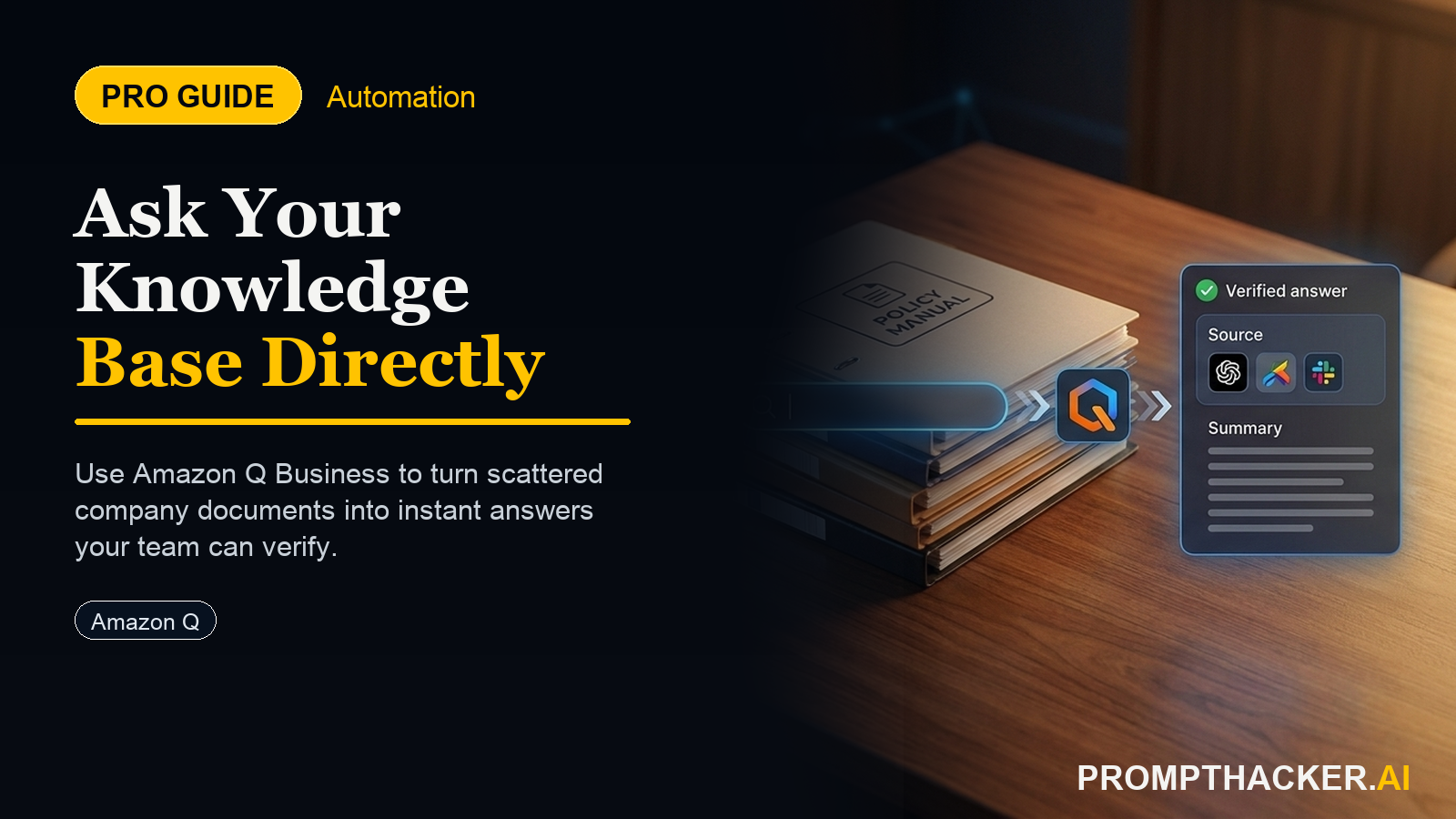
What matters today
How to connect Amazon Q Business to your company's existing internal documentation for rapid information retrieval.
Article roadmap
What you will learn
-
How to connect Amazon Q Business to your company's existing internal documentation for rapid information retrieval.
-
How to configure custom knowledge bases to ensure accurate and relevant answers for employee queries.
-
How to establish a self-service information system that reduces support tickets and boosts employee productivity.
-
How to maintain and optimize your Amazon Q Business integration to ensure long-term effectiveness and accuracy.
-
How to save an average of 15 minutes per information request, redirecting employee time to core business activities.
A Director of Operations at a 200-person manufacturing firm faces a recurring challenge: employees spend an average of 30 minutes daily searching for company policies, benefits information, or specific operational procedures. This time sink impacts productivity across departments, from new hires struggling with onboarding documentation to veteran staff seeking obscure compliance guidelines. The IT help desk is frequently overwhelmed with basic "how-to" questions that could be answered with existing internal documents, but these documents are scattered across SharePoint, Confluence, and shared drives. The cumulative effect is a drag on efficiency, costing the company hundreds of hours monthly and delaying critical tasks.
Ignoring this inefficiency means continued resource drain. Employees become frustrated, productivity lags, and the IT department remains a bottleneck for easily retrievable information. The cost of delay and distraction compounds daily, preventing teams from focusing on high-value work and strategic initiatives. This constant struggle for information translates directly into lost revenue opportunities and increased operational overhead.
This article provides a comprehensive setup sequence for integrating Amazon Q Business with your custom knowledge bases. It demonstrates how to transform scattered internal documentation into a unified, intelligent self-service portal. Executives will discover how to equip their workforce with instant access to crucial information, significantly reducing search times, alleviating support burdens, and reclaiming valuable employee hours for core business objectives.
Streamline Employee Information Access with Amazon Q Business
The ability for employees to find accurate information quickly is a cornerstone of operational efficiency. When internal documentation is fragmented or difficult to navigate, productivity suffers, and support teams are unnecessarily burdened. Amazon Q Business addresses this by enabling direct integration with an enterprise's custom knowledge bases, providing a unified and intelligent search experience. This integration allows employees to query internal wikis, policy documents, and operational guides and receive precise answers instantly. The result is a significant time saving, estimated at 15 minutes per information request, which translates into substantial reclaimed hours across the organization.
Consider a mid-sized financial services firm with 350 employees. Their compliance department frequently updates regulatory guidelines, which are stored in a secure SharePoint site. The HR department manages employee benefits and onboarding documents in Confluence, while the IT department maintains technical troubleshooting guides in an internal wiki. Employees often need information from multiple sources to answer a single question, leading to prolonged search times and frequent requests to department heads. Integrating these disparate sources into Amazon Q Business centralizes access, allowing any employee to pose a natural language question and receive an aggregated, precise answer, drawing from all approved knowledge bases simultaneously. This reduces the friction of information retrieval, letting employees focus on client service and strategic financial planning.
The following setup sequence details how to configure Amazon Q Business for custom knowledge base integration, including preparing your data, connecting sources, and optimizing the system for maximum impact.
Setup Sequence: Integrating Custom Knowledge Bases with Amazon Q Business
Time to value: 60 minutes for initial setup, with ongoing indexing.
This sequence guides you through connecting your internal documentation to Amazon Q Business, creating a powerful self-service information hub.
1. Prepare and Organize Your Knowledge Base Content
Before integrating, ensure your internal documentation is well-structured and accessible. Amazon Q Business performs best when it can ingest clean, relevant data. This step is critical for the accuracy and quality of the answers provided.
Why this step is important:
The quality of Amazon Q's responses directly depends on the quality and organization of your source data. Poorly structured or outdated information will lead to inaccurate answers, diminishing trust and utility.
What can go wrong:
Outdated information: Employees receive incorrect or irrelevant answers from old documents. Inconsistent terminology: Different documents use varying terms for the same concept, confusing the AI. Duplicate content: Multiple versions of the same document exist, leading to ambiguity.
How to fix it:
Audit existing documentation: Review all potential sources (SharePoint, Confluence, S3 buckets, internal wikis, network file shares) for relevance and accuracy. Archive or delete outdated content. Standardize terminology: Create a glossary or style guide for common terms across departments. Consolidate and de-duplicate: Ensure a single source of truth for critical information. Review access permissions: Confirm that Amazon Q Business will have the necessary read-only access to all designated knowledge base locations.
Example Scenario:
A rapidly growing software company has its product documentation in Confluence, HR policies in SharePoint, and engineering best practices in a Git repository. Before integration, the Head of Operations reviews each source, ensuring all "feature deprecation" notices in Confluence are current, all "PTO policy" documents in SharePoint reflect the latest updates, and all "code review guidelines" in Git are the most recent versions. They also ensure consistent naming conventions for key policies.
2. Create an Amazon Q Application and Data Source Connectors
With your content prepared, the next step involves setting up the Amazon Q Business application and connecting it to your specific knowledge base locations.
Why this step is important:
The Amazon Q application acts as the central hub for all your knowledge bases, and data source connectors are the bridges that allow Q to ingest information from various platforms.
What can go wrong:
Incorrect data source configuration: Amazon Q cannot access the specified knowledge base, leading to incomplete indexing. Insufficient permissions: The service role assigned to Amazon Q lacks the necessary read permissions for your data sources. Firewall or network restrictions: On-premises or private network data sources are blocked from Amazon Q's access.
How to fix it:
Verify connection parameters: Double-check all URLs, credentials, and network configurations for each data source. Review IAM policies: Ensure the AWS Identity and Access Management (IAM) role associated with your Amazon Q application has explicit read-only access to all target data repositories (e.g., S3 buckets, SharePoint sites, Confluence spaces). Configure network access: If your data sources are in a private network, set up appropriate VPC endpoints or network configurations to allow Amazon Q Business to reach them securely.
Setup Sequence:
- Navigate to Amazon Q Business Console: Log into your AWS account and search for "Amazon Q Business."
- Create a New Application: Click "Create application."
- Provide an application name (e.g., "CompanyInternalKnowledge").
- Choose an appropriate IAM service role or create a new one with permissions to access your data sources.
- Select "Enterprise" as the edition for custom knowledge base support.
- Click "Create."
- Add Data Source Connectors: Within your new application, go to "Data sources" in the navigation pane.
- Click "Add data source."
- Select the appropriate connector type for your knowledge base (e.g., Amazon S3, Confluence, SharePoint, Web Crawler for internal wikis).
- For Amazon S3 (example for policy documents): Provide a data source name (e.g., "HRPolicyDocs").
- Specify the S3 bucket path (e.g., `s3://your-company-hr-policies/`).
- Choose an existing IAM role or create a new one with `s3:GetObject` and `s3:ListBucket` permissions for that bucket.
- Set synchronization frequency (e.g., "Daily").
- Click "Add data source."
- For Confluence (example for product documentation): Provide a data source name (e.g., "ProductWiki").
- Enter your Confluence URL and API key/username password as required.
- Specify spaces or pages to include/exclude.
- Choose an IAM role.
- Set synchronization frequency.
- Click "Add data source."
- Repeat this process for all your internal knowledge bases.
3. Configure Retrieval and Indexing Settings
After connecting your data sources, configure how Amazon Q Business indexes and retrieves information. This includes defining document attributes and setting up a retrieval strategy.
Why this step is important:
Proper indexing ensures that Amazon Q Business understands the context and metadata of your documents, leading to more precise and relevant answers. Retrieval settings dictate how the AI searches and synthesizes information.
What can be optimized:
Document attributes: Tagging documents with specific attributes (e.g., "department," "document type," "last updated") allows for more granular filtering and search. Indexing frequency: How often Amazon Q Business scans your data sources for new or updated content. Retrieval confidence score: Setting a threshold for how confident Amazon Q Business must be before providing an answer.
How to fix it:
Map custom attributes: If your documents have specific metadata (e.g., a "policy owner" field in SharePoint), map these as custom attributes in Amazon Q Business. This allows for more targeted queries. Adjust sync schedule: For frequently updated knowledge bases, increase the synchronization frequency (e.g., hourly) to ensure employees always receive the latest information. For static documents, a weekly or monthly sync may suffice. Experiment with confidence thresholds: Start with a moderate confidence score and adjust based on feedback regarding answer accuracy and completeness.
Setup Sequence:
- Manage Document Attributes: In the Amazon Q Business console, within your application, go to "Settings" > "Document attributes."
- Define custom attributes that are relevant to your organization (e.g., `Department`, `DocType`, `LastModifiedDate`).
Three deep dives. Four useful moves. One email worth opening.
PromptHacker turns the AI firehose into practical next steps for work, health, family, and everything time keeps trying to steal.