Summarize Long Documents for Key Takeaways, Saving 120 Minutes Per Document
A busy CEO at a growing SaaS company faces an inbox overflowing with lengthy market research reports, competitor analyses, and internal project proposals. Each document demands careful review to extract critical insights, identify necessary decisions, and assign immediate actions.
What matters today
A busy CEO at a growing SaaS company faces an inbox overflowing with lengthy market research reports, competitor analyses, and internal project proposals.
Article roadmap
What you will learn
-
Extract the 5 most critical insights from any lengthy document.
-
Identify 3 key decisions that require immediate attention.
-
Pinpoint 2 essential actions to take after reviewing a document.
-
Utilize AI to replace hours of manual reading and note-taking.
-
Streamline your review process for reports, proposals, and briefs.
A busy CEO at a growing SaaS company faces an inbox overflowing with lengthy market research reports, competitor analyses, and internal project proposals. Each document demands careful review to extract critical insights, identify necessary decisions, and assign immediate actions. Manually sifting through hundreds of pages is a time-consuming ordeal, often pushing strategic planning sessions or critical project kick-offs past their deadlines. The sheer volume of information creates a bottleneck, preventing timely responses to market shifts or internal challenges.
Failure to efficiently process these documents can lead to missed opportunities, delayed strategic pivots, and uninformed decision-making. Important details can be overlooked, leading to suboptimal outcomes or a reactive posture rather than a proactive one. The executive team becomes bogged down in information overload, losing valuable time that could be spent on innovation and growth. This manual review process directly impacts a company's agility and competitive edge.
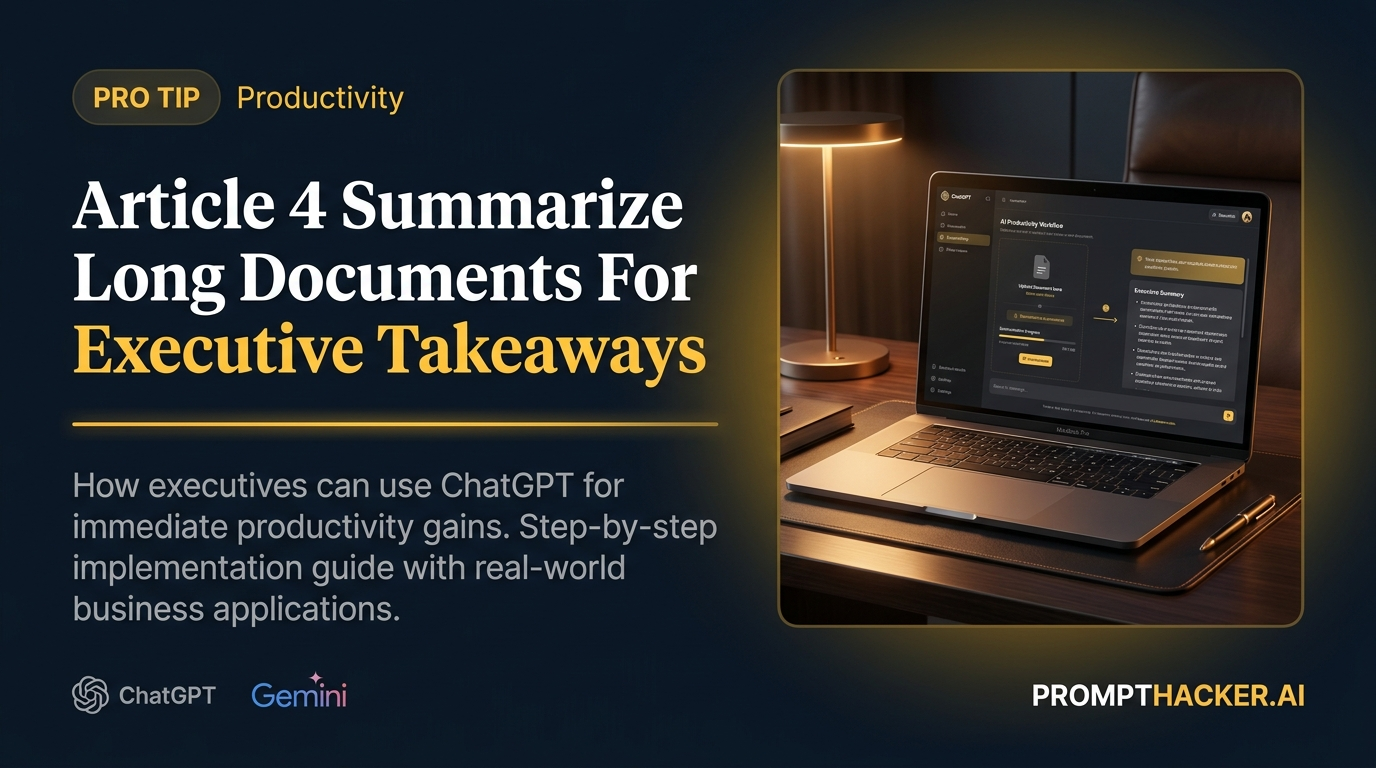
This article provides a direct, actionable prompt to transform how you interact with long documents. You will discover how to leverage AI to act as your executive assistant, extracting the most vital information in minutes. This method helps you quickly grasp the essence of any report, identify critical decisions, and define immediate actions, freeing up substantial time for strategic work.
Summarize Long Documents executive action plan
Executives are constantly inundated with information. Whether it is a 50-page market research report, a detailed legal brief, or a complex project proposal, the core challenge remains the same: how to quickly extract the most critical insights, identify key decisions, and define immediate actions without spending hours in manual review. This Pro Tip leverages the advanced summarization and extraction capabilities of large language models (LLMs) like ChatGPT Plus, Gemini Advanced, or Claude 2.1 to drastically reduce this burden. The goal is to transform a time-intensive, cognitively demanding task into a rapid, efficient process.
The fundamental principle behind this prompt is role-playing and explicit instruction. By asking the AI to "Act as my executive assistant," you immediately set a context that implies a focus on actionable intelligence and conciseness. This is crucial because it aligns the AI's response generation with an executive mindset, prioritizing results over verbose explanations. Without this role assignment, the AI might provide a more general summary, which, while accurate, would lack the specific focus on decisions and actions that executives require.
The prompt then breaks down the desired output into highly specific, quantifiable elements: "5 most critical insights, 3 key decisions that need to be made, and 2 immediate actions required." This structured approach is essential for several reasons. First, it forces the AI to prioritize and filter information, ensuring that only the most impactful points are presented. Second, it provides a clear framework for your review, allowing you to quickly scan the output for the exact information you need. Third, the specific numbers (5, 3, 2) prevent the AI from generating an exhaustive list, maintaining conciseness and focus. If you were to ask for "all insights" or "any actions," the output could be overwhelming and less useful.
Presenting the information "concisely using bullet points" is another critical instruction. Executives need easily digestible information. Long paragraphs or narrative summaries impede quick understanding. Bullet points facilitate rapid scanning and comprehension, making the AI's output immediately actionable. The instruction "Do not include any introductory or concluding remarks. Focus solely on the actionable information" reinforces the executive-assistant persona and eliminates unnecessary conversational filler, getting straight to the point.
Here is the full, verbatim prompt to use:
VERBATIM PROMPT
"Act as my executive assistant. I am providing a [type of document, e.g., market research report, legal brief, project proposal] below. Your task is to extract the 5 most critical insights, 3 key decisions that need to be made, and 2 immediate actions required. Present this information concisely using bullet points. Do not include any introductory or concluding remarks. Focus solely on the actionable information. [Paste document here]"
Time to value: 2 minutes. The time to value for this prompt is remarkably short. Once the document is pasted, the AI typically generates its summary within seconds, making the total process from input to actionable output under two minutes. This contrasts sharply with the hours a human executive might spend manually reviewing the same document.
Consider a scenario where a product manager needs to review a 70-page competitor analysis report. Manually, this could take 3-4 hours to read, highlight, and synthesize. Using this prompt, the product manager pastes the report into ChatGPT Plus (or another capable LLM) and receives a bulleted summary of the top 5 insights, 3 decisions, and 2 actions within moments. This allows them to immediately move to strategy discussions or product adjustments, saving significant time.
One common edge case is when the document is too long for the AI's context window. Most LLMs have a token limit. If your document exceeds this limit, the AI will either truncate the input or provide an error message. To mitigate this, you can:
- Split the document: Divide the document into logical sections and process each section separately, then ask the AI to synthesize the summaries.
- Upload as a file (if supported): Some advanced models or platforms allow direct file uploads, which can handle larger documents.
- Prioritize sections: If time is extremely limited, identify the most critical sections of the document and only paste those.
Another potential failure mode is when the document is poorly structured, highly technical, or contains ambiguous language. In such cases, the AI's output might be less precise. If the initial summary seems vague or misses key points, you can refine your prompt. For example, you might add: "Ensure the insights are quantifiable where possible" or "If a decision is unclear, highlight the area needing further investigation." You can also follow up with clarifying questions, such as "Expand on Insight #3 and its implications for our Q3 strategy." This iterative refinement is a powerful way to get the most out of AI.
For documents that require a deep understanding of nuances, such as legal contracts or highly scientific papers, the AI summary should serve as a first pass, highlighting areas for human attention. It significantly reduces the initial cognitive load, allowing the human expert to focus their detailed review on the most critical sections identified by the AI. This does not replace human expertise but augments it, making the expert's time more efficient.
ACTION STEPS SUMMARY
- Prepare Your Document for AI Input: Ensure your document is in a text-readable format. Copy the entire content of the lengthy report, brief, or proposal you need summarized. This direct text input is essential for the AI to process the information accurately.
- Access Your AI Tool and Paste the Prompt: Open your chosen AI platform (ChatGPT Plus, Gemini Advanced, or Claude 2.1). Copy the exact prompt provided, replacing "[type of document]" with the actual type (e.g., "market research report"). Then, paste your document content after the prompt.
- Review and Refine the AI-Generated Summary: Evaluate the AI's output for clarity, accuracy, and relevance to your needs. If any part is unclear or if you require more detail on a specific insight or action, ask follow-up questions to the AI. This iterative process ensures you get the most actionable information.
- Integrate Insights into Your Workflow: Use the extracted insights, decisions, and actions to inform your strategic planning, meeting agendas, or immediate task assignments. This step transforms the AI's output into tangible business outcomes, directly impacting your productivity.
Also in This Biweekly Issue
-> Microsoft Copilot for Microsoft 365 Now Available for Small Businesses
-> Automate Meeting Summaries and Action Item Extraction, Saving 45 Minutes Per Meeting
-> OpenAI Rolls Out Memory Feature for ChatGPT Plus Users
Get the full breakdown every two weeks
PromptHacker Premium delivers 5 deep-dive articles, exact prompts, and step-by-step workflows every two weeks.
Three deep dives. Four useful moves. One email worth opening.
PromptHacker turns the AI firehose into practical next steps for work, health, family, and everything time keeps trying to steal.