Train a voice-command classifier with Teachable Machine
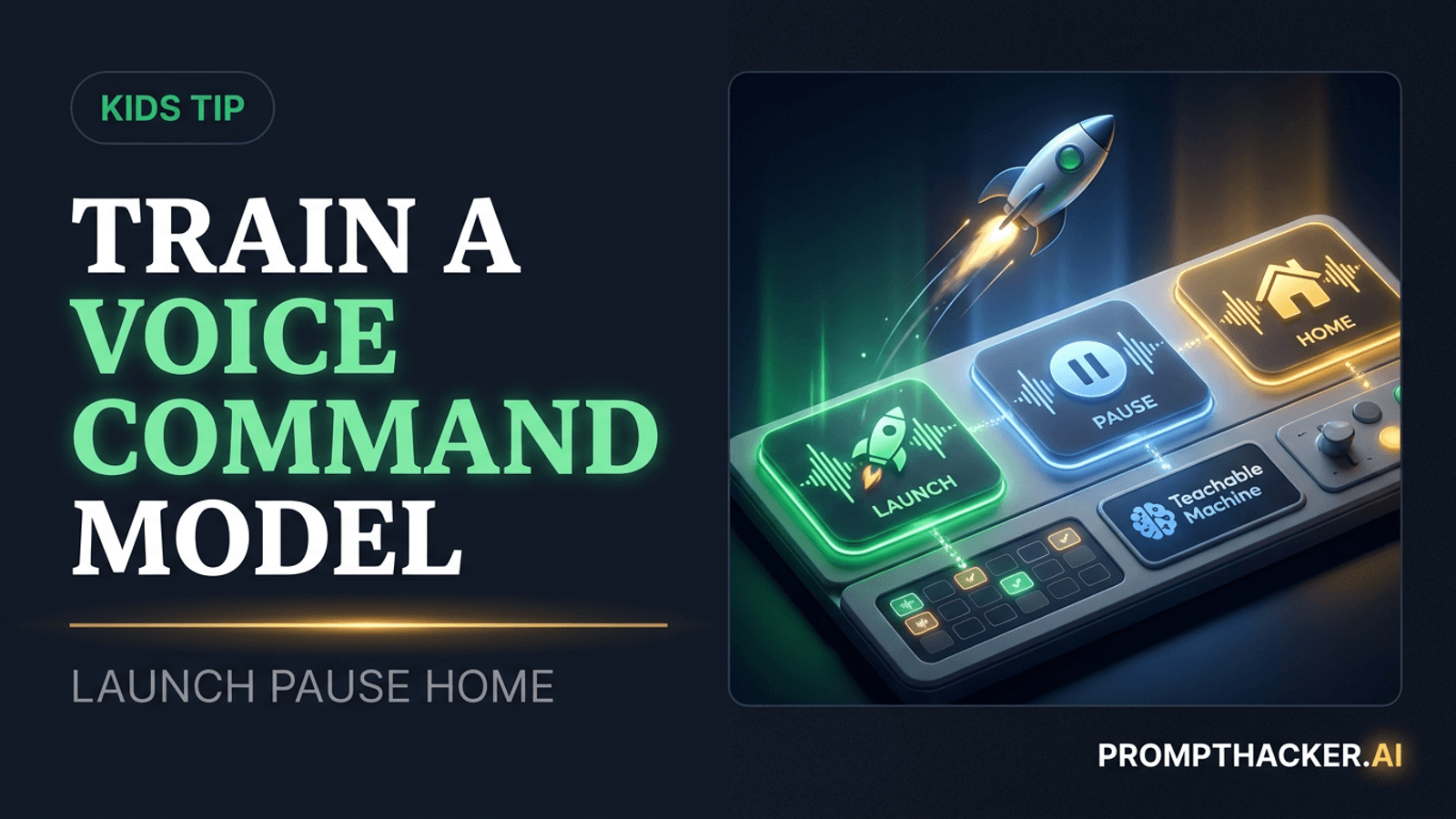
Kids can record three simple words, train an audio model, and see why examples and background noise change what an AI system hears.
What matters today
Kids can record three simple words, train an audio model, and see why examples and background noise change what an AI system hears.
Key points
- What you'll learn
- The project
- Step 1: Open an Audio Project
- Step 2: Record balanced examples
- Step 3: Train the model
Article roadmap
What you will learn
-
How a child can build a simple audio classifier in one sitting
-
Why every class needs varied, balanced examples
-
How to use background noise as its own training category
-
How to test the model without treating confidence as certainty
-
Which privacy and supervision choices belong to an adult
Sam wants a computer to react to the words "launch," "pause," and "home." In this illustrative scenario, the goal is not to build a polished voice assistant. It is to teach a small model three sounds and watch where it gets confused.
The first version recognizes "launch" when Sam sits close to the microphone and fails from across the room. It also mistakes a chair scrape for "pause." Those misses are the best part of the project. They show that the model learned from the examples it received, not from a human understanding of the words.
Sam records more samples at different volumes and adds ordinary room noise to the background class. The second model works better without becoming perfect. By the end, the child has built something that responds live and can explain why better training data changed the result.
The project
Google's Teachable Machine is a browser-based tool for training simple image, audio, and pose models. For this activity, use an Audio Project and choose two or three short command words.
Age range: 10 to 16
Time: 35 to 50 minutes
Device: A laptop or tablet with a modern browser and microphone
Adult role: Open the site, review microphone permission, supervise recording, and decide whether anything should be saved or exported
Core AI concept: A classifier learns patterns from labeled examples. It does not understand a command the way a person does, and its confidence score is not a guarantee.
Choose words that sound different. "Go," "stop," and "jump" can work. A space theme could use "launch," "pause," and "home." Avoid names, addresses, secrets, or phrases tied to a child's identity.
Step 1: Open an Audio Project
Go to Teachable Machine and select Get Started, Audio Project, then the standard audio model.
An adult should explain the microphone permission before allowing it. The browser needs microphone access to collect training clips and test the model live. Use a quiet shared room, not a private conversation happening in the background.
The project begins with a background-noise class and additional classes that can be renamed. Keep the background class. A model needs examples of "none of the commands" so it has somewhere to place ordinary room sound.
Rename three classes with the chosen words. For a NASA-inspired version:
- Launch
- Pause
- Home
The words are only labels. The model will learn acoustic patterns from the recordings placed under each label.
Step 2: Record balanced examples
Record several short clips for each command. Aim for roughly the same amount of audio in every class. If one word has three times as many examples as another, the model may favor the larger class.
Vary the useful conditions:
- Say each word quietly and at normal volume
- Move slightly closer to and farther from the microphone
- Change pace without turning the word into a different phrase
- Record a few examples with ordinary room sound
Do not include other people's conversation. If someone walks in, stop recording and restart the sample.
For the background class, capture safe ambient sounds such as silence, a fan, a soft chair movement, or hands moving near the desk. Do not deliberately record identifiable speech.
Ask the child to predict which word will be hardest. Similar opening or ending sounds can create confusion. Write the prediction down before training.
Step 3: Train the model
Click Train Model. Keep the tab open while training runs. Teachable Machine processes the examples and produces a live preview.
Before testing, ask what the model actually learned. A strong answer is: "It learned patterns from the clips under each label." It did not learn the dictionary meaning of launch or develop an intention to control a spacecraft.
The bars in the preview show how strongly the current sound matches each learned class. They are useful for comparison, not proof. A 95 percent display means the model strongly favors that class under its learned pattern. It does not mean the word was objectively identified with 95 percent certainty in every environment.
Step 4: Run the mission test
Test each command five times under normal conditions. Use a tally:
Command | Correct out of 5 | Most common confusion
Launch | |
Pause | |
Home | |
Then change one condition at a time:
- Move farther from the microphone.
- Speak more softly.
- Turn on a fan or create a gentle non-speech background sound.
- Ask another family member, with permission, to say the words.
Only one variable should change per round. That makes it easier to explain why performance moved.
Do not turn the activity into a contest about whose voice the computer likes. Different voices are a data question. If the model works better for one speaker, it probably has more examples that resemble that speaker.
Step 5: Repair one confusion
Choose the most common mistake. Suppose "pause" is confused with background noise. Listen to the training process, not to individual recordings containing someone else's voice. Ask:
- Are there enough pause examples?
- Are the pause samples too quiet?
- Does the background class contain similar sounds?
- Were most pause examples recorded from one distance?
Record a few more varied examples for the weak class, keep the class sizes reasonably balanced, and train again. Repeat the same five-trial test.
The before-and-after result teaches an important lesson: model quality depends on the examples and test conditions. "More data" is not the whole answer. The added examples need to cover the situation that caused the failure.
Optional AI extension
The project works without another AI account. If an adult chooses to use Gemini, ChatGPT, or Claude for reflection, paste only the class names and tally, not audio or personal details.
Use this prompt:
We trained a Teachable Machine audio classifier for Launch, Pause, and Home.
It confused [word A] with [word B] in [test condition]. Suggest two safe changes
to the training examples, and explain in one sentence why each change could help.
Do not ask for names, recordings, or personal information.
Compare the suggestions with the child's own prediction. The AI extension is a brainstorming aid, not the authority on why the model failed.
Make the live preview feel like a game
Assign a screen action to each command without writing code:
- Launch: raise both hands like a rocket
- Pause: freeze in place
- Home: point to the starting line
One person says a command while another watches the model prediction and performs the matching action. If the model chooses the wrong class, record the test condition and add it to the repair list.
For a more advanced follow-up, an adult can help export the model and connect it to a simple web page. That step is optional. The learning goal is already complete when the child can train, test, explain a failure, and improve the examples.
Privacy and safety notes
Use command words that reveal nothing personal. Do not record full names, school names, addresses, passwords, or private family conversation.
An adult should review the current Teachable Machine notices and browser permissions. Close the project when finished and revoke microphone access if the device should not retain it. Do not publish or share a model or recording without understanding what the export contains and getting permission from every participant.
Keep the project on a shared device in a shared space. Children should not create new external accounts or upload recordings without an adult's decision.
The classifier should not control anything safety-critical. Do not connect it to a door, alarm, medical device, payment, or real vehicle. A wrong prediction should lead only to a harmless screen or game reaction.
Action Steps Summary
- Let an adult open Teachable Machine and review microphone access.
- Choose three non-personal command words and record balanced, varied samples.
- Train the model, test each command five times, and change one condition per round.
- Add examples that target the most common confusion, then retrain and compare.
- End by having the child explain what the model learned and why it can still be wrong.
For Parents and Educators
Conversation starters:
- Why did the model perform better near the microphone?
- What kind of example helped the confused word most?
- Where would a wrong voice prediction be funny, and where could it be dangerous?
Core AI concept: Classification turns an input into one of the labels it learned from examples. The labels and examples come from people, so gaps in the data become gaps in the model.
Sources
Three deep dives. Four useful moves. One email worth opening.
PromptHacker turns the AI firehose into practical next steps for work, health, family, and everything time keeps trying to steal.