Valentine's AI Art Card: A Creative Brief Project for Ages 8 to 16
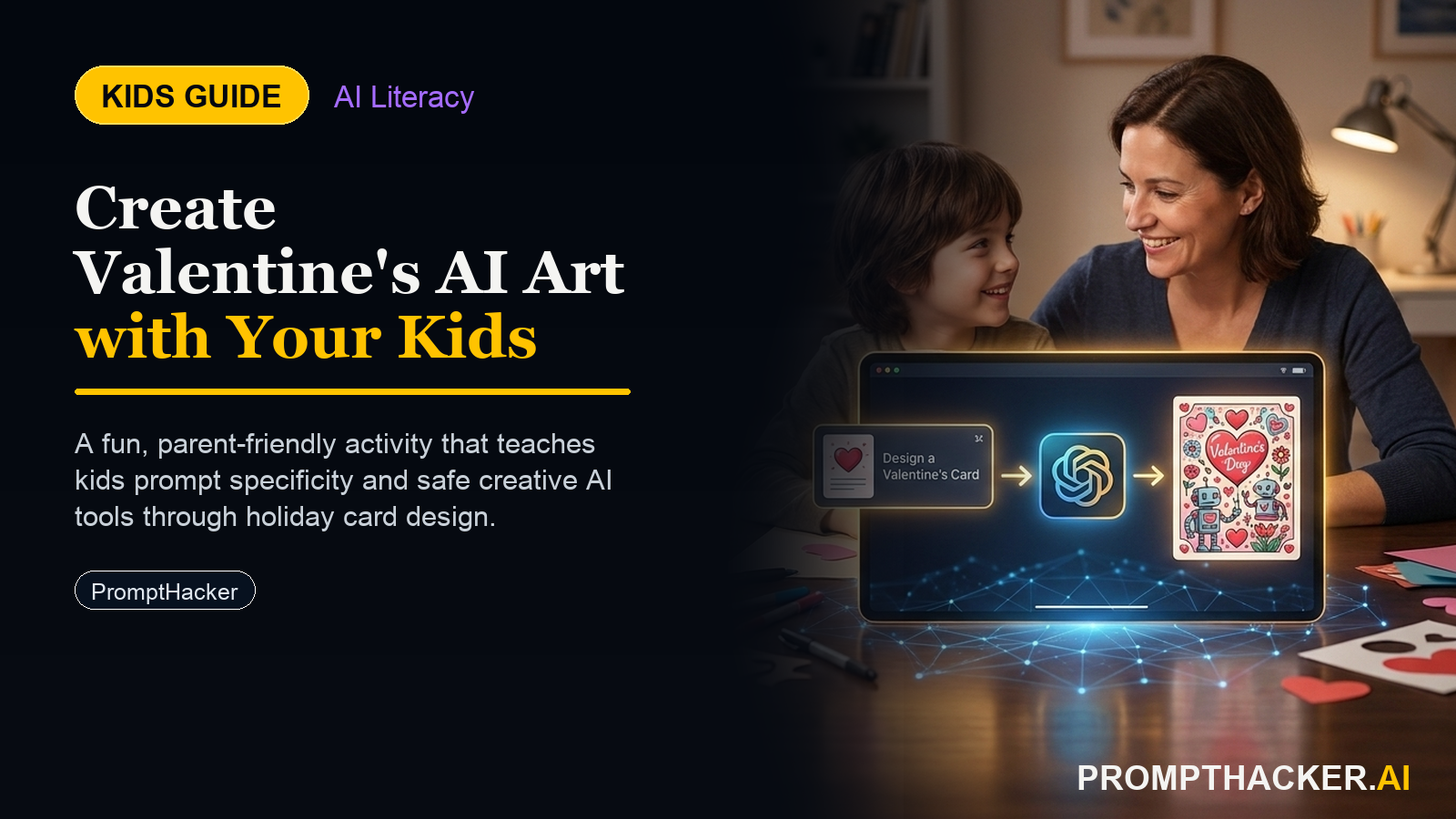
Kids create a hands-on AI project: Valentine's AI Art Card: A Creative Brief Project for Ages 8 to 16. A parent or educator helps them build, test, and explain what the AI tool gets right and wrong.
What matters today
Kids create a hands-on AI project: Valentine's AI Art Card: A Creative Brief Project for Ages 8 to 16. A parent or educator helps them build, test, and explain what the AI tool gets right and wrong.
Article roadmap
What you will learn
-
The age-appropriate activity structure for children ages 8 - 10, 11 - 13, and 14 - 16
-
Verbatim prompts for each age group that the child can use directly
-
Why creative briefing is a more valuable skill than learning to generate AI images
-
What the child actually learns from this project and how to talk about it afterward
-
The parent/educator sidebar with conversation starters and the core AI concept this teaches
Valentine's Day is February 14. Most AI activity suggestions for kids fall into two categories: passive (watch AI do something) or superficial (type a funny request and see what happens). This activity is neither.
The child is the creative director. They describe the recipient, write the brief for the AI, evaluate the output, and write every word of the message themselves. The AI handles the visual. The thinking and the words are entirely the child's. Teaching this skill in a card project gives it to them in a context that actually matters to them.
This is a PromptHacker Premium article.
The full age-by-age activity guide, verbatim prompts, and parent/educator sidebar are available to Premium subscribers.
Ages 8 - 10: Describe the Person, Draw the Picture Yourself
Ask the child to name 3 things that make the recipient unique. Open ChatGPT and run:
I want to make a Valentine's card for someone special. They love [thing 1], [thing 2], and [thing 3]. Describe what the perfect picture for their card would look like - the colors, the main image, and the mood it should give. Keep the description simple enough for a kid to draw.
The child draws the picture using the AI-generated description as their guide. The child writes their own message. No AI involvement in the words.
Ages 11 - 13: Get 5 Concepts, Choose the Best One
The person I'm making this card for loves [3 things]. Our relationship is [describe]. Suggest 5 different visual concepts for a Valentine's card that would feel personal to them. For each concept, describe: - The colors - The main image or scene - The mood it gives
Child reviews the 5 concepts, picks one, and personalizes the card by hand with their own message. The selection step - choosing between 5 options based on what fits the recipient - is where the critical thinking happens.
Ages 14 - 16: Write a Full Creative Brief, Generate and Evaluate
Here is my creative brief for a Valentine's card: Recipient: [describe] Their personality: [describe] Our relationship: [describe] Card mood: [warm/funny/heartfelt] Color palette preference: [describe] Main image idea: [describe] Message tone: [describe] Use this brief to generate a Valentine's card image. Then tell me: which parts of my brief were most useful, and where did you have to guess?
Child reviews the generated image, revises one or two brief elements, generates a second image, and compares both. The evaluation and iteration cycle is where real learning happens. Child writes their own message on the printed final card.
Parent and Educator Sidebar
Conversation starters after the activity:
- "Why did you choose those 3 things to describe the person? What made those feel important to include?"
- "If the AI's picture wasn't quite what you imagined, what would you change in your description to get closer?"
- "What's the difference between what you imagined when you started and what the final card looks like? Is that because of the AI, or because of how you described it?"
Core AI concept the child is learning:
Prompt engineering and creative direction. AI outputs are a direct function of the quality of the instructions given. A vague brief produces a generic output. A specific, thoughtful brief produces a relevant output. This is the foundational concept behind every professional use of AI tools - learned here in a context the child cares about.
Action Steps Summary
- Ask the child to name the recipient and describe 3 specific things that make that person unique.
- Choose the age-appropriate activity path (8 - 10, 11 - 13, or 14 - 16) and have the child run the appropriate ChatGPT prompt.
- Go through the evaluation step together. Ask at least one question about whether the AI got it right and why.
- Let the child produce the final card - drawing by hand (8 - 10), handmade personalization (11 - 13), or printed AI image with handwritten message (14 - 16).
- Have the debrief conversation using the 3 conversation starters in the sidebar.
Three deep dives. Four useful moves. One email worth opening.
PromptHacker turns the AI firehose into practical next steps for work, health, family, and everything time keeps trying to steal.