Claude Joins Your Team. Grok Moves Into Word. Copilot Cowork Goes Live.
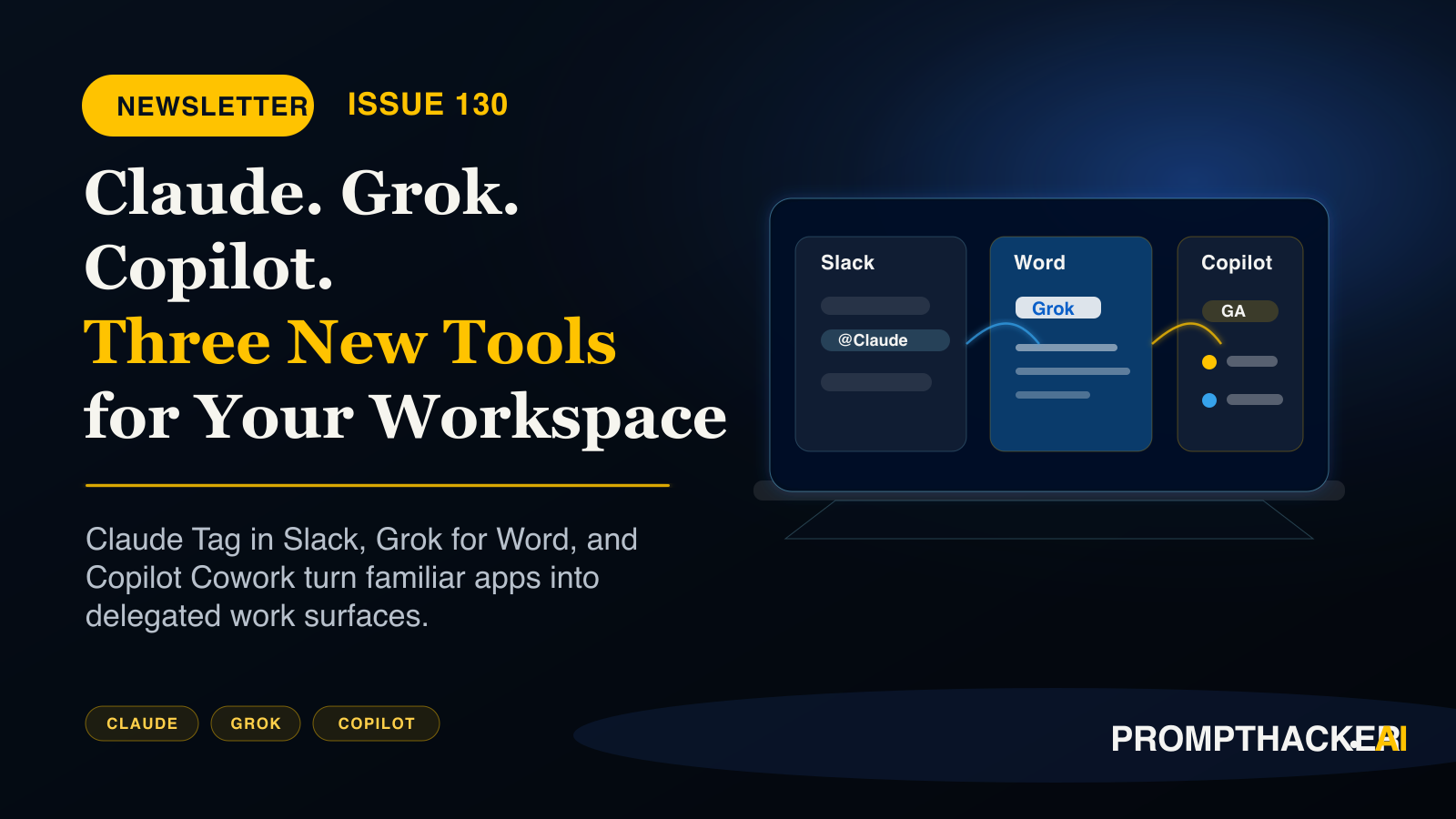
Three products worth acting on this week: Claude Tag joins Slack as a working teammate, Grok moves into Microsoft Word free, and Copilot Cowork reaches general availability.
What matters today
Three products worth acting on this week: Claude Tag joins Slack as a working teammate, Grok moves into Microsoft Word free, and Copilot Cowork reaches general availability.
Key points
- Claude Fable 5 leaves standard plans.: As of June 23, Fable 5 is no longer included in Pro, Max, Team, or seat-based Enterprise subscriptions at no extra cost; continued access requires a separate add-on, so review who on your team relies on it before the.
- Grok 4.3 arrives on Amazon Bedrock: with a 1-million-token context window, configurable reasoning levels, and tool calling, at $1.25 input and $2.50 output per million tokens, currently the lowest-cost US-lab frontier reasoning model on Bedrock.
- ChatGPT Enterprise can now take actions in Slack,: not just search it: join a channel, create a reminder, upload a file, or update a profile, with admins controlling which actions are enabled from the Apps console.
- ChatGPT Enterprise gets a credit usage dashboard.: The Global Admin Console now shows credit consumption across ChatGPT and Codex by user, product, and model, with workspace limits, group caps, and individual overrides; check it before your next budget review.
- Noam Shazeer joins OpenAI: as Lead for Architecture Research, announced June 18. His signature contribution is efficiency at scale, so cheaper, faster GPT models are the likely near-term result; watch for architecture announcements in Q4.
Welcome byte
I have three products worth acting on this week. Anthropic launched Claude Tag, which puts @Claude inside your Slack workspace as an actual team member: your people tag it with tasks in any channel, and it works through them asynchronously while everyone else focuses on real work. Companies running it in beta report recovering 5-plus hours per week of collective research time.
Grok for Word launched as a free Microsoft 365 add-in that turns rough meeting notes into a structured document inside Word itself, no copy-paste loop, in under 10 minutes. And this week's Productivity Gem shows you exactly how to wire Claude Tag into a dedicated Slack research channel in 45 minutes, so the whole setup is done before Friday.
Quick Hits
Claude Fable 5 leaves standard plans.
As of June 23, Fable 5 is no longer included in Pro, Max, Team, or seat-based Enterprise subscriptions at no extra cost; continued access requires a separate add-on, so review who on your team relies on it before the next billing cycle. Read more
Grok 4.3 arrives on Amazon Bedrock
with a 1-million-token context window, configurable reasoning levels, and tool calling, at $1.25 input and $2.50 output per million tokens, currently the lowest-cost US-lab frontier reasoning model on Bedrock. Read more
ChatGPT Enterprise can now take actions in Slack,
not just search it: join a channel, create a reminder, upload a file, or update a profile, with admins controlling which actions are enabled from the Apps console. Read more
ChatGPT Enterprise gets a credit usage dashboard.
The Global Admin Console now shows credit consumption across ChatGPT and Codex by user, product, and model, with workspace limits, group caps, and individual overrides; check it before your next budget review. Read more
Noam Shazeer joins OpenAI
as Lead for Architecture Research, announced June 18. His signature contribution is efficiency at scale, so cheaper, faster GPT models are the likely near-term result; watch for architecture announcements in Q4. Read more
Top AI Updates
1. @Claude Is Now on Your Team in Slack
Anthropic launched Claude Tag, a product that joins your Slack workspace as a team member. Anyone tags @Claude in a channel with a task; Claude works through it asynchronously, posts the result in the thread, and builds context across conversations so you stop re-explaining the same background each time. An ambient mode monitors channels and proactively flags things you should know. Available in beta for Enterprise and Team customers, with a 4-step setup that takes under 20 minutes.
Why it matters: I think async delegation inside Slack is the first agent pattern that fits how teams already work. Prove it in one channel before you roll it wide.
Action items:
- Confirm your Claude plan is Enterprise or Team, then connect your Slack workspace from claude.ai admin settings.
- Create one test channel, give Claude a single data source, and set a monthly spend limit before going broad.
- Tag @Claude with one real research question and judge the output before any team rollout.
2. Grok for Microsoft Word: Free Add-In Turns Notes Into Documents Inside Word
xAI launched a free Microsoft 365 add-in that puts Grok in a panel beside your Word document. Three capabilities: structure rough notes into formatted documents written directly into the file, apply in-place edits as reviewable revisions, and normalize style and heading consistency across long documents. It also pulls live web research and X data into your document. Free for any Microsoft 365 user, installable from the Microsoft Marketplace in under 3 minutes.
Why it matters: I keep finding drafting time hidden inside every role. A free add-in that structures notes inside Word is the cheapest test you can run this week.
Action items:
- In Word, go to Insert, then Add-ins, search "Grok" in the Microsoft Marketplace, and install free.
- Test it on your messiest document from this week: rough meeting notes or a mixed-format draft.
- If you are an admin, push the add-in org-wide from the Microsoft 365 admin center after your own test.
3. Copilot Cowork Is Now Generally Available for All M365 Copilot Tenants
Copilot Cowork reached general availability for all Microsoft 365 Copilot tenants this week. Unlike standard Copilot chat, Cowork executes complex multi-tool tasks end-to-end: you define the work, Cowork runs it across your Microsoft 365 apps, and returns a completed result. GA compliance features include audit logs, Data Security Posture Management, eDiscovery, and sensitivity label inheritance. Ten partner plugins are available now, including S&P Global, Monday.com, Miro, and Harvey, with usage billed via Copilot Credits.
Why it matters: I read GA as the signal that agent work inside Microsoft 365 is now a procurement question, not a preview. Check the compliance gaps before sensitive data touches it.
Action items:
- Confirm your organization has an active M365 Copilot license, then review audit log and sensitivity label defaults with IT.
- Note that Data Loss Prevention is not yet live at GA; factor that in before processing highly sensitive data.
- Start with the Weekly Business Review workflow: pull sales, project status, and support data in one task.
Pro Tip
Turn Meeting Notes Into a Polished Document in 10 Minutes With Grok for Word
Install the free Grok for Word add-in and open the Grok panel from the Home tab. With your meeting notes in the document, run the structure prompt: tell Grok the meeting type and the 4 sections you want, and it writes the structured version directly into your document with real headings and a table for action items. Then run the tighten prompt to cut filler and passive voice as in-place revisions you can review one by one. Total non-review time is 3 to 5 minutes; over 10 documents per week, that is 30 to 50 minutes recovered.
Action items:
- Install the add-in and run the structure prompt on one real set of meeting notes this week.
- Follow with the tighten prompt and review each in-place revision instead of accepting blindly.
Copy-ready guide The Grok for Word Pro Tip: Turn Any Set of Meeting Notes Into a Polished Document in 10 Minutes
Productivity Gem
Build a Slack Research Channel That Answers Questions While You Focus on Other Work
Setup time: 45 minutes. Create a dedicated #ai-research channel in Slack. Connect Claude Tag to it with access to web search and one internal document store. Pin the research request template (topic, context, format, scope, length). From then on, your team drops research questions throughout the week and Claude delivers formatted answers in each thread. A team of 5 running 10 questions per week recovers 5-plus hours of collective research time every week from this single setup.
Action items:
- Create the #ai-research channel and connect Claude Tag with web search plus one document store.
- Pin the request template and route every research ask through the channel for one full week before judging it.
Put it to work Build an Async Research Workflow With Claude Tag in 45 Minutes: Your Team Asks Questions, Claude Delivers Answers
Health Tip
Export 30 Days of Resting Heart Rate From Apple Health and Ask ChatGPT What the Pattern Means
Open Apple Health, tap Browse, then Heart, then Resting Heart Rate, switch the view to 3 months, and screenshot the chart. Upload the screenshot to ChatGPT and ask it to identify the trend, flag any days where your resting heart rate ran 5 or more BPM above your recent average, assess what the pattern suggests about your recovery, and give you one specific, testable adjustment for this week. Total time is about 15 minutes with no new app and no subscription, and the single-adjustment approach is far more likely to stick than a full protocol change.
Step-by-step guide Your iPhone Has 30 Days of Resting Heart Rate Data. Ask ChatGPT What It Means for Your Recovery.
Kids Tip
Build an AI Sports Commentator With ChatGPT: Train It to Sound Like You
With the World Cup running, this is the perfect week. Your child builds their own AI sports commentator in ChatGPT (free at chatgpt.com ): they write 5 commentary lines in their own voice first, teach those to ChatGPT as style examples, and then generate a full 3-minute play-by-play script for any match. The editing step is the most important part: they change 3 to 5 lines manually, learning that AI produces a first draft, not a final product. Bonus round: ask ChatGPT to predict a real upcoming match, then fact-check the result together after the game.
Parent or educator note: Ask what style examples the child wrote, which generated lines they changed and why, and what the prediction exercise showed about AI guesses versus real outcomes. The core AI concept is that example-driven style guidance shapes output, and that AI drafts still need human judgment.
Try the activity Build Your Own AI Sports Commentator With ChatGPT: A World Cup Activity for Ages 8 to 16
Wrap Up
Claude Tag and Grok for Word are both available to act on today. One is free, the other costs about an hour of setup, and both recover more time than they require. That ratio is the whole point of this newsletter. Hit reply and tell me which one you tested first.
About the author
Pierre has spent 25+ years building growth systems across fintech, real estate, lending, campaigns, and AI workflows, with $1.5B+ in client value delivered.
Email usThree deep dives. Four useful moves. One email worth opening.
PromptHacker turns the AI firehose into practical next steps for work, health, family, and everything time keeps trying to steal.