Claude Joins Your Team. Grok Moves Into Word. Copilot Cowork Goes Live.
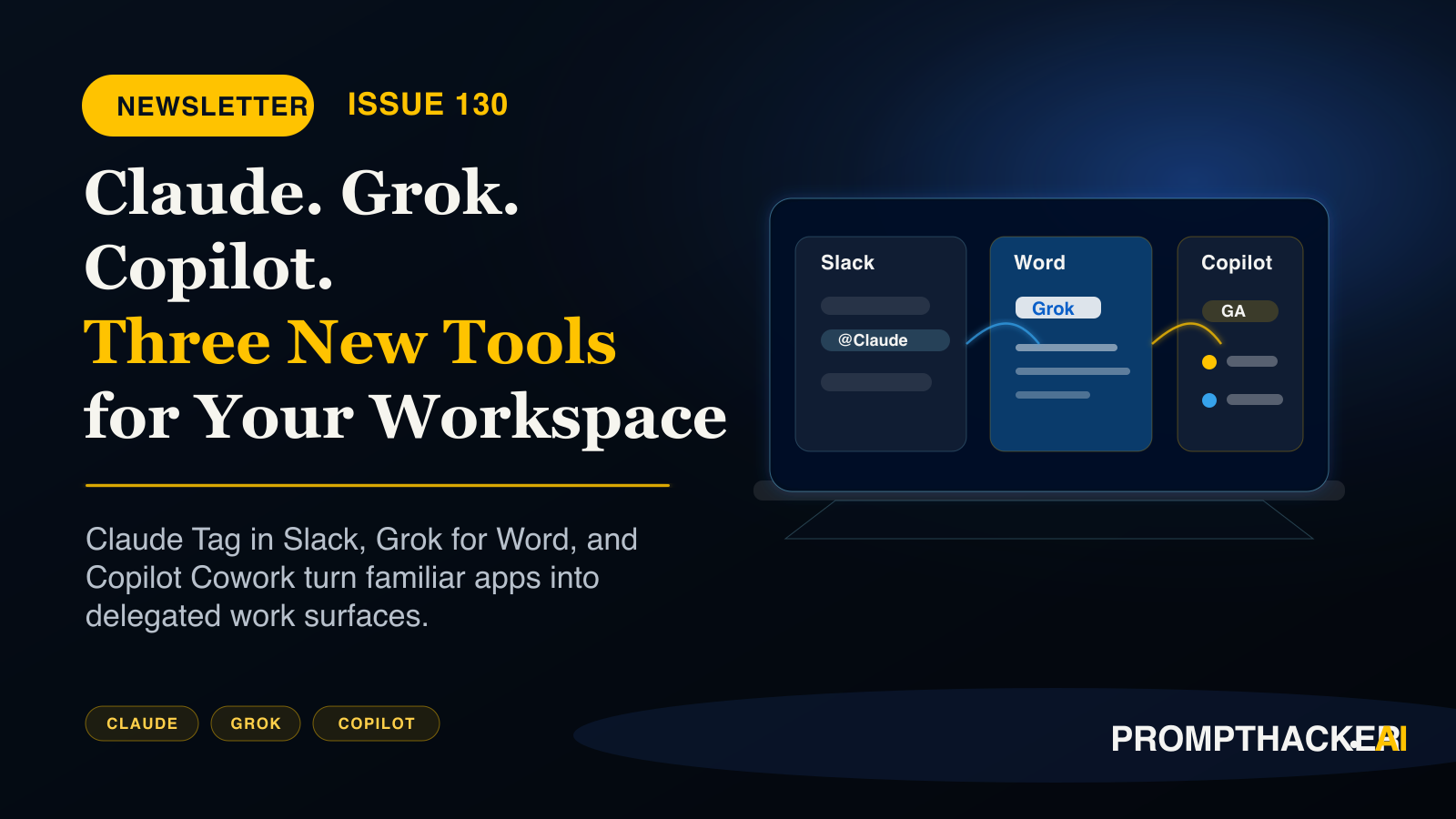
Three products worth acting on this week: Claude Tag joins Slack as a working teammate, Grok moves into Microsoft Word free, and Copilot Cowork reaches general availability.
What matters today
Three products worth acting on this week: Claude Tag joins Slack as a working teammate, Grok moves into Microsoft Word free, and Copilot Cowork reaches general availability.
Key points
- Claude Fable 5 leaves standard plans.: As of June 23, Fable 5 is no longer included in Pro, Max, Team, or seat-based Enterprise subscriptions at no extra cost; continued access requires a separate add-on, so review who on your team relies on it before the.
- Grok 4.3 arrives on Amazon Bedrock: with a 1-million-token context window, configurable reasoning levels, and tool calling, at $1.25 input and $2.50 output per million tokens, currently the lowest-cost US-lab frontier reasoning model on Bedrock.
- ChatGPT Enterprise can now take actions in Slack,: not just search it: join a channel, create a reminder, upload a file, or update a profile, with admins controlling which actions are enabled from the Apps console.
- ChatGPT Enterprise gets a credit usage dashboard.: The Global Admin Console now shows credit consumption across ChatGPT and Codex by user, product, and model, with workspace limits, group caps, and individual overrides; check it before your next budget review.
- Noam Shazeer joins OpenAI: as Lead for Architecture Research, announced June 18. His signature contribution is efficiency at scale, so cheaper, faster GPT models are the likely near-term result; watch for architecture announcements in Q4.
Claude Joins Your Team. Grok Moves Into Word. Copilot Cowork Goes Live.
Welcome
I have three products worth acting on this week. Anthropic launched Claude Tag, which puts @Claude inside your Slack workspace as an actual team member: your people tag it with tasks in any channel, and it works through them asynchronously while everyone else focuses on real work. Companies running it in beta report recovering 5-plus hours per week of collective research time.
Grok for Word launched as a free Microsoft 365 add-in that turns rough meeting notes into a structured document inside Word itself, no copy-paste loop, in under 10 minutes. And this week's Productivity Gem shows you exactly how to wire Claude Tag into a dedicated Slack research channel in 45 minutes, so the whole setup is done before Friday.
01 / Quick Hits
Claude Fable 5 leaves standard plans. As of June 23, Fable 5 is no longer included in Pro, Max, Team, or seat-based Enterprise subscriptions at no extra cost; continued access requires a separate add-on, so review who on your team relies on it before the next billing cycle. Read more ->
Grok 4.3 arrives on Amazon Bedrock with a 1-million-token context window, configurable reasoning levels, and tool calling, at $1.25 input and $2.50 output per million tokens, currently the lowest-cost US-lab frontier reasoning model on Bedrock. Read more ->
ChatGPT Enterprise can now take actions in Slack, not just search it: join a channel, create a reminder, upload a file, or update a profile, with admins controlling which actions are enabled from the Apps console. Read more ->
ChatGPT Enterprise gets a credit usage dashboard. The Global Admin Console now shows credit consumption across ChatGPT and Codex by user, product, and model, with workspace limits, group caps, and individual overrides; check it before your next budget review. Read more ->
Noam Shazeer joins OpenAI as Lead for Architecture Research, announced June 18. His signature contribution is efficiency at scale, so cheaper, faster GPT models are the likely near-term result; watch for architecture announcements in Q4. Read more ->
02 / Top AI Updates
1. @Claude Is Now on Your Team in Slack
Anthropic launched Claude Tag, a product that joins your Slack workspace as a team member. Anyone tags @Claude in a channel with a task; Claude works through it asynchronously, posts the result in the thread, and builds context across conversations so you stop re-explaining the same background each time. An ambient mode monitors channels and proactively flags things you should know. Available in beta for Enterprise and Team customers, with a 4-step setup that takes under 20 minutes.
Why it matters: I think async delegation inside Slack is the first agent pattern that fits how teams already work. Prove it in one channel before you roll it wide.
Action items:
- Confirm your Claude plan is Enterprise or Team, then connect your Slack workspace from claude.ai admin settings.
- Create one test channel, give Claude a single data source, and set a monthly spend limit before going broad.
- Tag @Claude with one real research question and judge the output before any team rollout.
Free subscriber access
Keep reading with your free PromptHacker subscription.
Enter the email on your PromptHacker subscription. If access is available, a secure link will arrive in that inbox.
New to PromptHacker? Join the free weekly briefing first.
About the author
Pierre has spent 25+ years building growth systems across fintech, real estate, lending, campaigns, and AI workflows, with $1.5B+ in client value delivered.
Email usThree deep dives. Four useful moves. One email worth opening.
PromptHacker turns the AI firehose into practical next steps for work, health, family, and everything time keeps trying to steal.