Quick Scan
What matters today
Apple Intelligence rolls out with iOS 18.1 starting October 28. Writing Tools appear in every text field system-wide. Priority Notifications rank your lock screen by urgency rather than arrival time.
Format Weekly newsletter issue
Audience Executives using AI at work
Time 8 min read
Topic Apple Intelligence Arrives This Week -- The Executive Setup Guide
Key points
- Microsoft Copilot Integrates with Microsoft Whiteboard (Microsoft): Microsoft Copilot can now summarize Whiteboard sessions and generate action items directly from collaborative brainstorming.
- Google Gemini Advanced Gains Enhanced Data Analysis Capabilities (Google): Gemini Advanced now offers improved data analysis features, including more robust spreadsheet and document processing for quicker insights.
- Perplexity AI Adds Real-time News Search Integration (Perplexity): Perplexity AI now includes real-time news search, providing up-to-the-minute information for current events and market trends.
Welcome
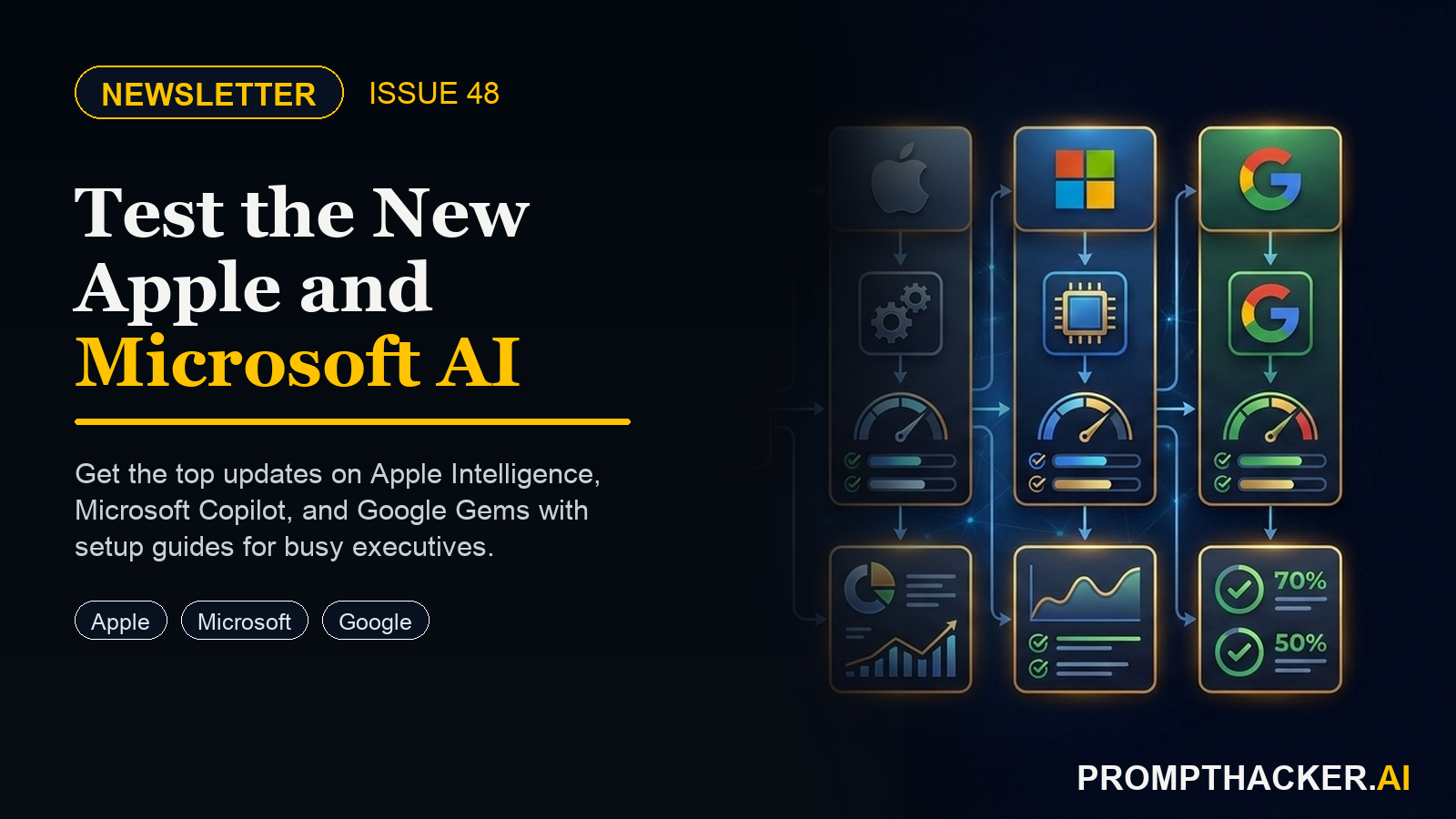
This issue gives executives a clean scan of Apple Intelligence Arrives This Week -- The Executive Setup Guide. Start with the quick hits, then use the companion guides for the workflows worth testing this week.
Quick Hits
Top AI Updates
1. Apple Intelligence Arrives: Writing Tools and Priority Notifications Setup Guide
Apple Intelligence arrives with iOS 18.1 on October 28. Every iPhone 15 Pro, 15 Pro Max, and iPhone 16 that updates gets Writing Tools, Priority Notifications, Smart Reply in Mail, Photo Cleanup, and improved Siri. For executives, three features matter most in the first month.
2. Microsoft Copilot Pages: Shared AI Workspaces for Executive Teams
Microsoft Copilot generates a response and the conversation ends. The output lives in a chat window that the next person cannot see, build on, or edit.
3. Google Gemini Gems: Custom AI Personas for Your Most Common Business Tasks
A saved prompt is a starting point you paste in. A Gemini Gem is a persistent AI persona that remembers its instructions, context, and role every time you open it. With a saved prompt, you configure the AI every session.
Pro Tip
Apple Intelligence Writing Tools is available system-wide the moment iOS 18.1 installs. No app integration, no setup beyond the initial opt-in. The feature is powerful but works best with a deliberate sequence.
Productivity Gem
The weekly digest workflow that surfaces decisions, action items, and open questions
Health Tip
How to extract key physiological metrics from Apple Health in under sixty seconds.
This information is for educational purposes only and is not medical advice. Please consult a qualified healthcare professional before making changes to your health routine.
Kids Tip
Kids create a hands-on AI project: Build a Teachable Machine Image Classifier With Your Kid. A parent or educator helps them build, test, and explain what the AI tool gets right and wrong.
Wrap Up
Free subscriber access
Keep reading with your free PromptHacker subscription.
Enter the email on your PromptHacker subscription. If access is available, a secure link will arrive in that inbox.
New to PromptHacker? Join the free weekly briefing first.
PB
About the author
Pierre Bradshaw Founder, PromptHacker.ai
Pierre has spent 25+ years building growth systems across fintech, real estate, lending, campaigns, and AI workflows, with $1.5B+ in client value delivered.
Email us