PH PROMPTHACKER.AI
Issue 134 | Use ChatGPT Work, memory, and voice for business

ChatGPT Work power tips, AI memory, and GPT-Live for business

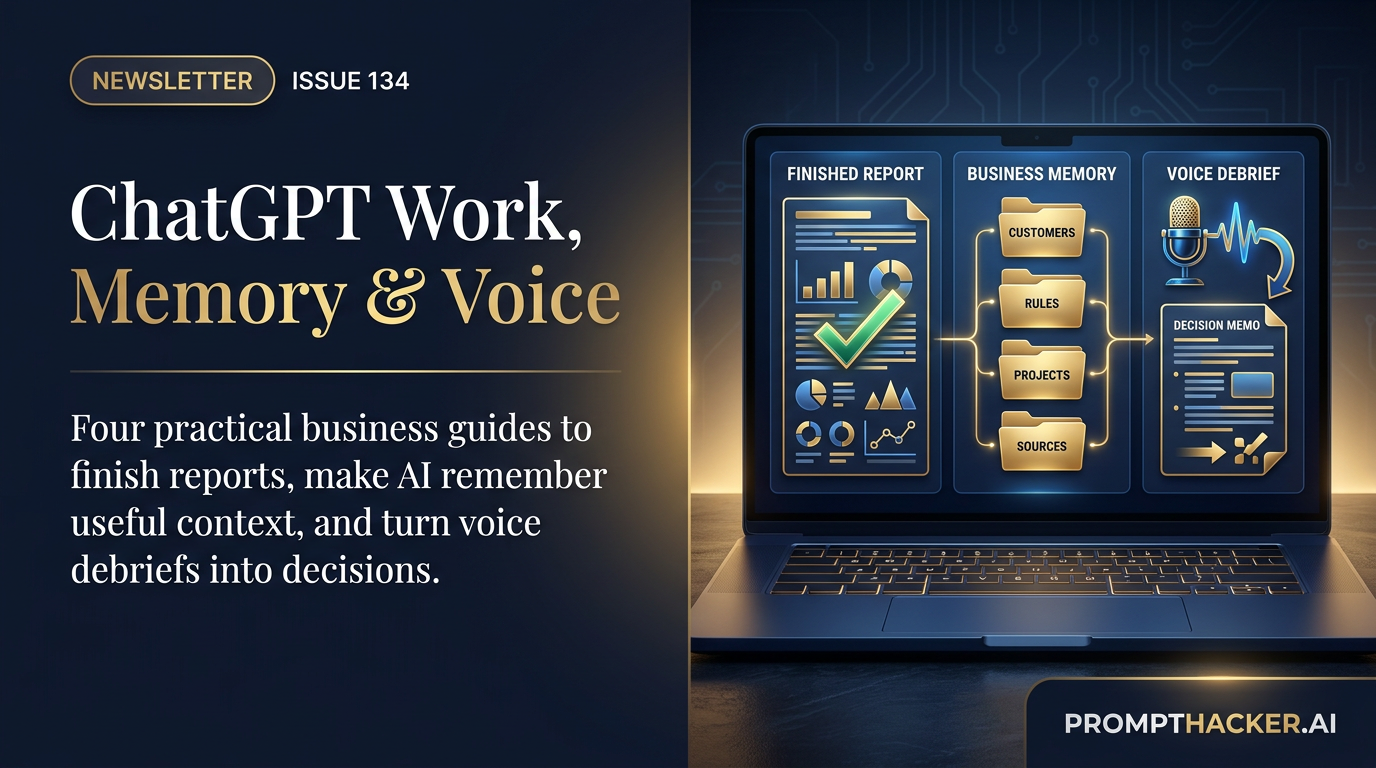
Four advanced guides to ChatGPT Work, dependable AI memory, GPT-Live, and an expert ChatGPT workspace.

8 min read
Quick Scan

What matters today

Put ChatGPT Work, AI memory, GPT-Live, and a better workspace to practical use with four advanced guides for faster, safer business execution.

Format Weekly newsletter issue
Audience Executives using AI at work
Time 8 min read
Topic Use ChatGPT Work, memory, and voice for business

Key points

  • ChatGPT Work can complete most of your tasks.
  • Creating a memory structure is mandatory.
  • GPT-Live turns ChatGPT into a real teammate.

Welcome byte

The most useful AI upgrade this week is not a benchmark. It is using ChatGPT Work to finish business deliverables, memory to carry useful context, and Voice to turn spoken ideas into written decisions.

ChatGPT Work can stay with a project, use approved sources, and create finished reports, spreadsheets, presentations, and Sites. Perplexity Brain, Claude memory, ChatGPT memory, and Gemini personalization are making context more persistent and more portable. GPT-Live-1 can turn a spoken debrief into a reviewable decision record.

My recommendation is to pick one recurring deliverable and build the context, permission, and review system around it. This issue includes ten advanced ChatGPT Work techniques, a complete AI memory strategy, a practical guide to GPT-Live, and an expert ChatGPT workspace setup. The goal is not to use every feature. It is to stop re-explaining the business and cut the time between an important thought and a finished piece of work.

Quick Hits

#01

ChatGPT custom instructions now hold 5,000 characters.

Plus, Pro, Enterprise, Business, and Education users can save more complete operating rules, up from 1,500 characters. Read more

#02

ChatGPT search now spans chats, projects, images, and documents.

The new sidebar search and content filters are available on web, iOS, and Android across all plans globally. Read more

#03

GPT-5.6 is becoming the preferred model in Microsoft 365 Copilot.

Microsoft says the model is rolling into Word, Excel, PowerPoint, Chat, and Copilot Cowork, with availability varying by region and tenant. Read more

#04

Claude can now show how your AI time is being spent.

The beta reflection dashboard reviews usage patterns and AI-fluency habits for Free, Pro, and Max users who have memory enabled. Read more

#05

GPT-Red strengthens prompt-injection resistance without removing the need for approvals.

OpenAI reports fewer failures on its hardest direct prompt-injection benchmark, but consequential actions should still stop for review. Read more

Top AI Updates

1. ChatGPT Work needs a job description, not a clever prompt

OpenAI's July 9 release moves ChatGPT closer to a work surface that can research, use connected context, create finished artifacts, and keep a long assignment moving. The important distinction is that Work should receive an outcome, a source ladder, an approval matrix, and an acceptance test.

Why it matters: I would use Work to replace assembly time around one recurring deliverable. A weekly leadership brief, sales prep packet, campaign review, or forecast commentary has a known output and can be checked quickly.

Start here:

  • Choose an artifact the business already produces.
  • Give Work the last two accepted examples.
  • Require a plan and source ledger before drafting.
  • Stop it before sending, publishing, deleting, purchasing, changing permissions, or editing a source-of-truth record.
  • Track manual time, review time, corrections, and the percentage accepted without change.

2. AI memory is becoming a system, not a saved preference list

ChatGPT now maintains a more dynamic memory summary. Claude separates general memory from project memory and supports memory import and export. Perplexity Brain builds a source-linked context graph across Computer sessions, connectors, files, and decisions. Gemini can use past chats, explicit instructions, Connected Apps, and imported context on eligible accounts.

Why it matters: The productivity gain is not remembering everything. It is remembering stable context while retrieving important business facts from dated sources.

Use this four-question memory test:

  1. Will this fact still matter in a month?
  2. Which source controls it?
  3. Should it apply globally or only inside one Project?
  4. Would recalling it in the wrong conversation create risk?

Use native memory first. Consider Mem0, Supermemory, or GBrain only when several agents or a custom product need the same governed context.

3. GPT-Live turns spoken context into structured work

GPT-Live-1 can listen and speak at the same time, use web search and memory, show supported widgets, and work with text and images in the same chat. The best first workflow is a five-minute debrief after an important meeting.

Why it matters: A spoken debrief captures decisions, concerns, commitments, and implied risks before they disappear. The written handoff can then be reviewed before it reaches the CRM, project tracker, or another person.

Important launch boundary: Live is available on consumer plans, but it is not available inside ChatGPT Business, Enterprise, or Edu workspaces at launch. It is also not initially available in Work, Codex, the desktop app, custom GPTs, or Temporary Chats. Live does not initially support connected apps, plugins, video, or screen sharing.

Pro Tip

Set up ChatGPT around the way the business makes decisions

The new 5,000-character custom-instruction limit is large enough for a real operating brief. Use it for the company, customer definition, decision rules, evidence standards, approval boundaries, preferred outputs, and what ChatGPT should do when information is missing.

Copy this prompt:

Interview me to create a permanent ChatGPT business operating brief.
Ask no more than three questions at a time about:
1. What the company sells
2. Ideal and excluded customers
3. Current priorities and review dates
4. Important terminology
5. Decision rules and tradeoffs
6. Approved evidence and source standards
7. Actions that always require approval
8. Preferred deliverable formats
9. Common mistakes to avoid
10. Communication preferences

After the interview, create a document under 4,800 characters.
Prioritize business facts, decision rules, evidence, and safety boundaries over style.
End with a section called "When uncertain" that requires assumptions, missing
evidence, and conflicts to be stated instead of invented.

Then create one Project with a charter, current-truth files, an accepted example, and a workflow card. Do not connect every app or schedule the workflow until the manual version succeeds twice.

Read the advanced class: Set up your ChatGPT workspace like an expert

Action items:

  • Copy the prompt or framework into ChatGPT, Claude, or Gemini.
  • Test How to set up your ChatGPT workspace like an expert on one live decision, document, or meeting artifact.
  • Save the best version as a reusable team template.

Productivity Gem

Run a five-minute executive Voice debrief

Open a dedicated ChatGPT Voice conversation immediately after an important call. Speak naturally for three to five minutes. Tell Live not to respond until you say, "Your turn." Then have it ask up to three questions and create decisions, commitments, owners, deadlines, risks, follow-ups, and next-day priorities.

Use this closing instruction:

Create the written handoff now. Separate facts I stated from your inferences.
Do not invent owners or dates. Mark missing items clearly.
The transcript is not authoritative. Wait for my corrections before drafting
any message or task update.

The important step is the review. Voice transcripts are not verbatim records. Correct names, numbers, dates, and commitments before copying anything into a business system.

Use the complete GPT-Live business guide

Action items:

  • Choose one recurring workflow with a clear before and after.
  • Run the Productivity Gem workflow once with real work, not sample data.
  • Keep it only if it saves at least 30 minutes this week.

Wrap Up

Pick one recurring deliverable this week. Give it a source ladder, a private draft, and a ten-minute review budget. If the second run still saves time after corrections, keep it. If it does not, narrow the workflow before adding another tool.

Reply and tell me which deliverable you want ChatGPT to own first.

About the author

Pierre Bradshaw Founder, PromptHacker.ai

Pierre has spent 25+ years building growth systems across fintech, real estate, lending, campaigns, and AI workflows, with $1.5B+ in client value delivered.

Email us
Free weekly briefing

Three deep dives. Four useful moves. One email worth opening.

PromptHacker turns the AI firehose into practical next steps for work, health, family, and everything time keeps trying to steal.