The Week AI Moved Into the Work Itself
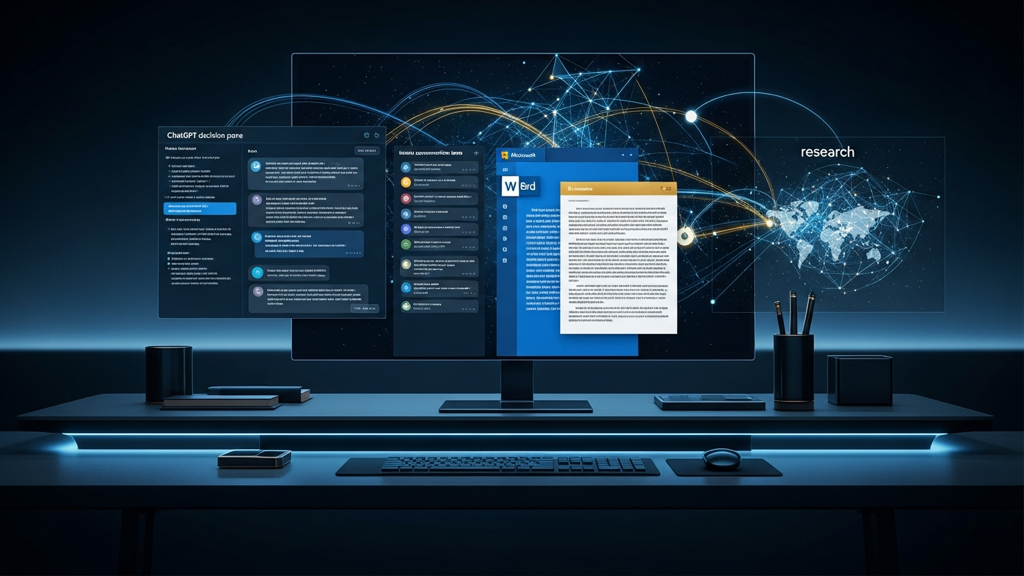
ChatGPT got better at decisions, Grok moved into Word, Google shipped role-based Gemini training, and Perplexity made research easier to branch.
What matters today
ChatGPT got better at decisions, Grok moved into Word, Google shipped role-based Gemini training, and Perplexity made research easier to branch.
Key points
- Long ChatGPT pastes now become attachments.: OpenAI says pastes over 10,000 characters now convert into attachments for Free and Go users, with Plus, Pro, and Business already covered, so you can drop a long report or transcript into ChatGPT without wrecking.
- ChatGPT adds better app controls and project organization.: The June 18 update added connected-app permission controls, easier project pinning, faster sharing, notes from responses, improved iOS photo upload, and one-off Android model selection for paid users.
- Codex Record & Replay turns a demonstrated workflow into a skill.: Eligible macOS users can record a repeatable workflow once and reuse it through Codex, Computer Use, browser actions, plugins, or a mix of tools.
- Grok Build gets a long-running /goal mode.: xAI says /goal lets Grok Build plan the work, keep a progress checklist, continue execution, and expose status, pause, resume, and clear commands for larger implementation tasks.
- Perplexity Computer moves into Microsoft 365.: Perplexity says Computer now works directly inside Word, Excel, PowerPoint, Outlook, and Teams, with a context panel and usage analytics so teams can see what the agent is using and producing.
The Week AI Moved Into the Work Itself
Welcome
I kept coming back to the same pattern in this issue: the useful AI updates showed up inside the places teams already work. ChatGPT got better at messy decisions. Grok moved into Word, which is still where a lot of proposals and board memos get finished. Google turned Gemini adoption into a short role-based marketing course instead of another vague "learn AI" page.
The practical move is to pick one surface and run a live test. Use ChatGPT's model picker before a hard prompt. Try Grok inside one messy Word draft. Use Perplexity Computer to branch one research question into separate deliverables. Then do the privacy check before placing health data near any AI chat, and give the kids a model they can train with their own examples.
01 / Quick Hits
Long ChatGPT pastes now become attachments. OpenAI says pastes over 10,000 characters now convert into attachments for Free and Go users, with Plus, Pro, and Business already covered, so you can drop a long report or transcript into ChatGPT without wrecking the composer. Read more ->
ChatGPT adds better app controls and project organization. The June 18 update added connected-app permission controls, easier project pinning, faster sharing, notes from responses, improved iOS photo upload, and one-off Android model selection for paid users. Read more ->
Codex Record & Replay turns a demonstrated workflow into a skill. Eligible macOS users can record a repeatable workflow once and reuse it through Codex, Computer Use, browser actions, plugins, or a mix of tools. Read more ->
Grok Build gets a long-running /goal mode. xAI says /goal lets Grok Build plan the work, keep a progress checklist, continue execution, and expose status, pause, resume, and clear commands for larger implementation tasks. Read more ->
Perplexity Computer moves into Microsoft 365. Perplexity says Computer now works directly inside Word, Excel, PowerPoint, Outlook, and Teams, with a context panel and usage analytics so teams can see what the agent is using and producing. Read more ->
02 / Top AI Updates
1. GPT-5.5 Instant gets better at decision work
OpenAI updated GPT-5.5 Instant on June 24 to improve answers when people are making decisions, asking for advice, planning, researching options, or shopping. The useful part is the default ChatGPT surface getting better at the work Executives already bring to chat: vendor comparisons, budget tradeoffs, hiring choices, and "what should I do next?" questions.
Why it matters: I would test this on one real decision before trusting it on ten. Give it options, constraints, risks, and what winning means, then force one recommendation. Because it is the default flow, casual ChatGPT users will touch it before they touch any advanced setting.
Action items:
- Pick one decision you owe someone this week, not a toy example.
- Paste the options, constraints, risks, and success criteria in one message.
- Ask for the one fact that would change the recommendation before you act.
2. Grok moves into Microsoft Word
xAI launched Grok for Word on June 18 as a free Microsoft 365 add-in. It can turn notes into structured text, rewrite for clarity, format a document, search the web or X, generate diagrams, and use connectors for recent emails or files in SharePoint and Google Drive.
Free subscriber access
Keep reading with your free PromptHacker subscription.
Enter the email on your PromptHacker subscription. If access is available, a secure link will arrive in that inbox.
New to PromptHacker? Join the free weekly briefing first.
About the author
Pierre has spent 25+ years building growth systems across fintech, real estate, lending, campaigns, and AI workflows, with $1.5B+ in client value delivered.
Email usThree deep dives. Four useful moves. One email worth opening.
PromptHacker turns the AI firehose into practical next steps for work, health, family, and everything time keeps trying to steal.