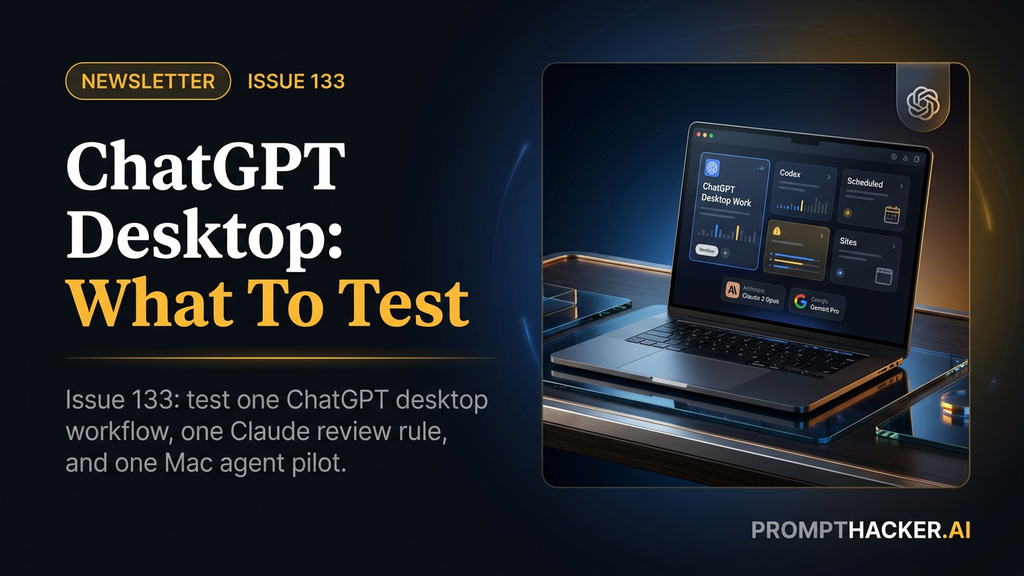
ChatGPT desktop, Sonnet 5, and Gemini Spark: what to test now
A practical workflow-testing issue for Executives: run one ChatGPT desktop workflow, add Claude review rules, and pilot Gemini Spark on one Mac task.
What matters today
ChatGPT desktop, Sonnet 5, and Gemini Spark all matter this week. Here is what Executives should test first.
Key points
- ChatGPT desktop becomes a real work command center
- Gemini 3.5 Flash and Spark Agent Expansion
- Claude Sonnet 5 Default and Cowork Mobile Expansion
- Add a confidence line to make AI answers reviewable
- Use an AI model scorecard before you switch defaults
Welcome byte
Three updates matter most for Executives right now: OpenAI turned ChatGPT desktop into a work command center, Claude Sonnet 5 becomes the daily default for a broad set of Claude users, and Gemini Spark finally has a practical Mac lane for local files and Workspace tasks.
My read is simple: do not connect every system because a desktop agent shipped. Run one measured test. Use ChatGPT desktop on one recurring business workflow, Sonnet 5 on a messy daily work task, and Gemini Spark on one Google Workspace workflow. Keep the one that saves time after review.
Quick Hits
Grok 4.5 is now publicly available.
xAI says Grok 4.5 is live in Grok Build, Cursor on all plans, and the SpaceXAI console, with API pricing at $2 per million input tokens and $6 per million output tokens. Read more
Claude Sonnet 5 becomes the daily default.
Anthropic says Sonnet 5 is available across all plans and is the default for Free and Pro users, with introductory API pricing through August 31, 2026. Read more
Gemini 3.5 Flash adds computer use and action.
Google's developer changelog says Gemini 3.5 Flash has public-preview Computer Use support for browser, mobile, and desktop environments. Read more
Perplexity adds a legal Computer workspace.
Perplexity's legal page positions Computer for Counsel as a way to connect research databases, documents, contracts, and matter systems into cited work products. Read more
xAI is already signaling the next foundation jump.
The user-provided X source points to xAI's next model-training milestone, which is useful as a planning signal but not something to deploy this week. Read more
Top AI Updates
1. ChatGPT desktop becomes a real work command center
OpenAI introduced ChatGPT Work and a new desktop app that brings Work, Chat, Codex, Scheduled Tasks, Sites, plugins, built-in browsing, local files, and Computer Use into one work surface. The important business shift is that ChatGPT can now gather context, draft artifacts, use apps, and keep multi-step work moving while you review and approve the next step.
Why it matters: I would test this before any other model update this week because it touches the place work actually happens: files, browser tools, docs, sheets, slides, code, and recurring tasks.
Action items:
- Pick one recurring workflow with a known output, such as sales prep, weekly business review, or finance variance review.
- Connect only the plugins and folders needed for that workflow, then require source lists and approval stops.
- Run it manually twice before turning it into a Scheduled Task.
Read the full analysis Use ChatGPT desktop as your work command center
2. Gemini 3.5 Flash and Spark Agent Expansion
Google's Gemini updates give Executives two different lanes to test: Gemini 3.5 Flash for agentic computer-use work through the developer stack, and Gemini Spark for macOS tasks like local file handling and Workspace coordination for eligible Ultra subscribers.
Why it matters: I would test Gemini Spark on one Google Workspace workflow before buying another agent tool, especially if your team already works in Gmail, Docs, Drive, Tasks, and Keep.
Action items:
- Choose one recurring desktop workflow that touches local files and Google Workspace.
- Run a 20-minute Spark pilot with a tight permission boundary.
- Write down which steps still required human cleanup before repeating the test.
Read the full analysis Pilot Gemini Spark and 3.5 Flash on one Mac workflow
3. Claude Sonnet 5 Default and Cowork Mobile Expansion
Anthropic's Sonnet 5 page makes the model broadly available and the Claude release notes say Cowork is now available on web and mobile in addition to desktop. That creates a practical default model plus a cross-device agent workflow for knowledge work.
Why it matters: I think the mobile Cowork piece matters because it lets Executives review, steer, and approve agent work away from the desk instead of waiting for a perfect desktop session.
Action items:
- Use Sonnet 5 as the default for one week of research, writing, and file analysis.
- Assign one Cowork task from mobile or web that has a clear review checkpoint.
- Track whether the agent saves time after review, not before review.
Read the full analysis Use Claude Sonnet 5 and Cowork with review rules
Pro Tip
Use an AI model scorecard before you switch defaults
Copy this prompt before you compare Grok 4.5, Sonnet 5, Gemini 3.5 Flash, or any other model: "You are an expert AI workflow auditor for my business team. I am evaluating [Model A] vs [Model B] for [primary use case]. Create a 6-category scorecard with scores out of 10 for output quality, speed, reliability, context handling, cost per meaningful output, and ease of integration. End with a clear primary and secondary model recommendation plus the single workflow change to make this week." Deep dive
Action items:
- Copy the prompt or framework into ChatGPT, Claude, or Gemini.
- Test Use an AI model scorecard before you switch defaults on one live decision, document, or meeting artifact.
- Save the best version as a reusable team template.
Productivity Gem
Add a confidence line to make AI answers reviewable
When testing any new model, add this line at the end: "First state your confidence level as High, Medium, or Low and the main assumption you are making, then answer." It costs almost nothing, but it makes weak assumptions visible before the answer starts sounding finished. Deep dive
Action items:
- Choose one recurring workflow with a clear before and after.
- Run the Add a confidence line to make AI answers reviewable workflow once with real work, not sample data.
- Keep it only if it saves at least 30 minutes this week.
Health Tip
Turn Apple Watch data into a weekly AI recovery brief
Use Claude, ChatGPT, Gemini, Perplexity, or Grok with exported Apple Health trends. Paste seven days of sleep, resting heart rate, HRV, and workout minutes, then ask: "Find the top two recovery patterns worth watching and suggest one small behavior change to test next week. Do not diagnose. Keep the plan realistic." Deep dive
Kids Tip
Build a kids AI decision coach that asks better questions
Have your child build a simple decision coach in Claude or Gemini. Prompt it with: "Help me decide what to do after school. Ask me three questions first. Then give me two good options, one tradeoff for each, and one question I should ask a parent." The child should test it on three real situations and score whether the advice was useful. Start here . Deep dive
Wrap Up
Pick one model test, one prompt habit, and one family or health experiment. Keep the bar plain: did it save time, improve judgment, or make the next step clearer? Reply with what you tested and what surprised you.
About the author
Pierre has spent 25+ years building growth systems across fintech, real estate, lending, campaigns, and AI workflows, with $1.5B+ in client value delivered.
Email usThree deep dives. Four useful moves. One email worth opening.
PromptHacker turns the AI firehose into practical next steps for work, health, family, and everything time keeps trying to steal.